testedtruth may earn a commission when you buy through links on this page, at no extra cost to you. This does not affect our ratings.
Many dealmakers now want their sales pipeline sitting on the main workstation rather than buried in browser tabs. Revenue teams are looking for CRM access that keeps daily lead tracking tidy, and Tested Truth offers objective guidance to help you compare the options.
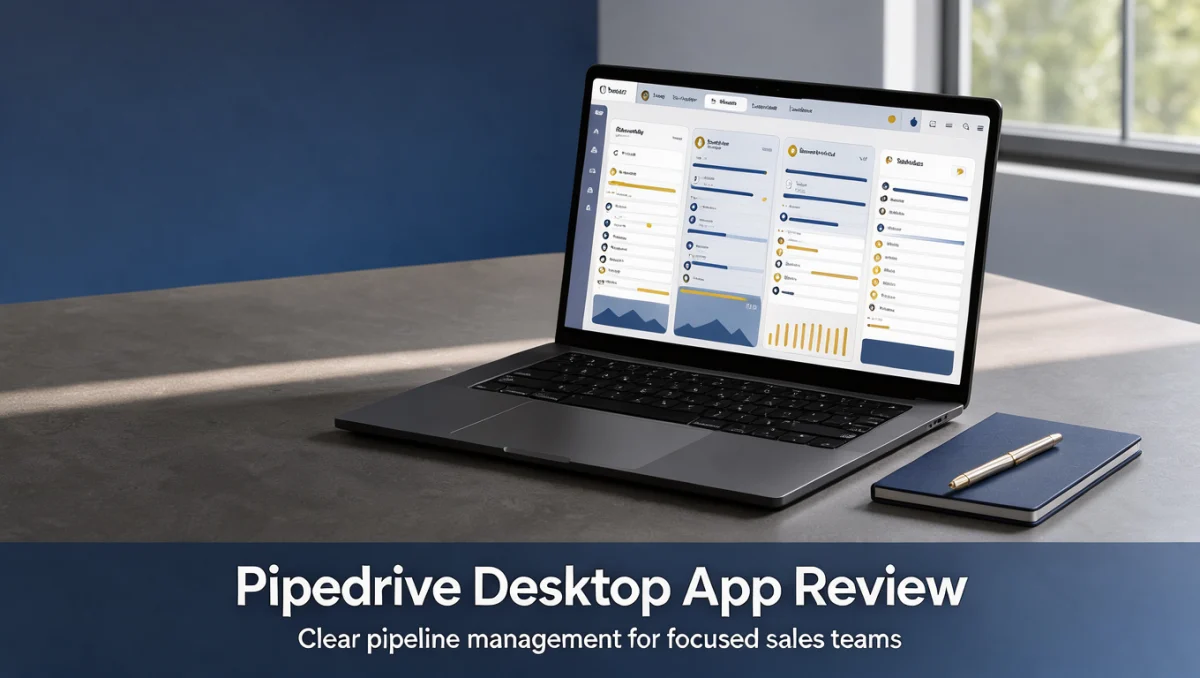
Pipedrive is built around activity-based selling. Reps move through clearly defined deal stages on a visual board while every contact conversation stays accessible throughout the sales cycle.
Quick verdict: With an overall testedtruth score of 8.0/10, the workflow suits small to mid-sized teams and solo deal managers who value clean pipeline habits. Large enterprises that need advanced multi-department resource planning or heavy service desk ticketing will likely look elsewhere.
| Metric | Summary |
|---|---|
| testedtruth score | 8.0/10 |
| Best for | Sales professionals who want activity-driven visual deal progression and clear stage tracking |
| Not ideal for | Organizations seeking unified enterprise billing, supply chain management, or complex customer support operations |
| Key strengths | Visual pipeline navigation, structured activity scheduling, and easy-to-follow contact history |
| What to check before buying | Confirm current operating system support, standalone installer availability, and browser sync terms on the vendor site |
1. How testedtruth Reviewed the Pipedrive Desktop App
This review examines what Pipedrive is designed to do, who it serves, and how it stacks up against similar tools. We applied seven testedtruth criteria: features, ease of use, pricing and value, integrations, audience fit, support and competitive position. Plans, prices and limits change frequently, so we flag what to verify on the official website before purchase. This article was researched and drafted with AI assistance, then reviewed and edited by the testedtruth Editorial Team.
2. What Pipedrive Is and Who Should Use It
Pipedrive is customer relationship management software designed around deal progression and activity-focused selling. Rather than spreading attention across many operational functions, the platform concentrates on helping sales professionals log interactions, organize prospects and close negotiations on a predictable schedule.
The software suits account executives, business development representatives, agency founders and consultative sales teams who need clear visibility over every stage of a transaction. Teams that adopt this structure usually want a clean interface that minimizes deal friction while keeping everyone accountable for their activities.
Sales leaders tend to choose this environment when revenue depends on structured milestones such as discovery calls, product presentations, proposal reviews and formal contracting. Businesses managing intricate manufacturing logistics or complex service ticketing typically need broader enterprise suites rather than a focused pipeline platform.
3. Core Features for Everyday Selling

Pipedrive organizes relationship data around actionable sales interactions, grouping core operations into distinct functional areas that support modern sales strategies.
3.1. Visual Deal Pipelines
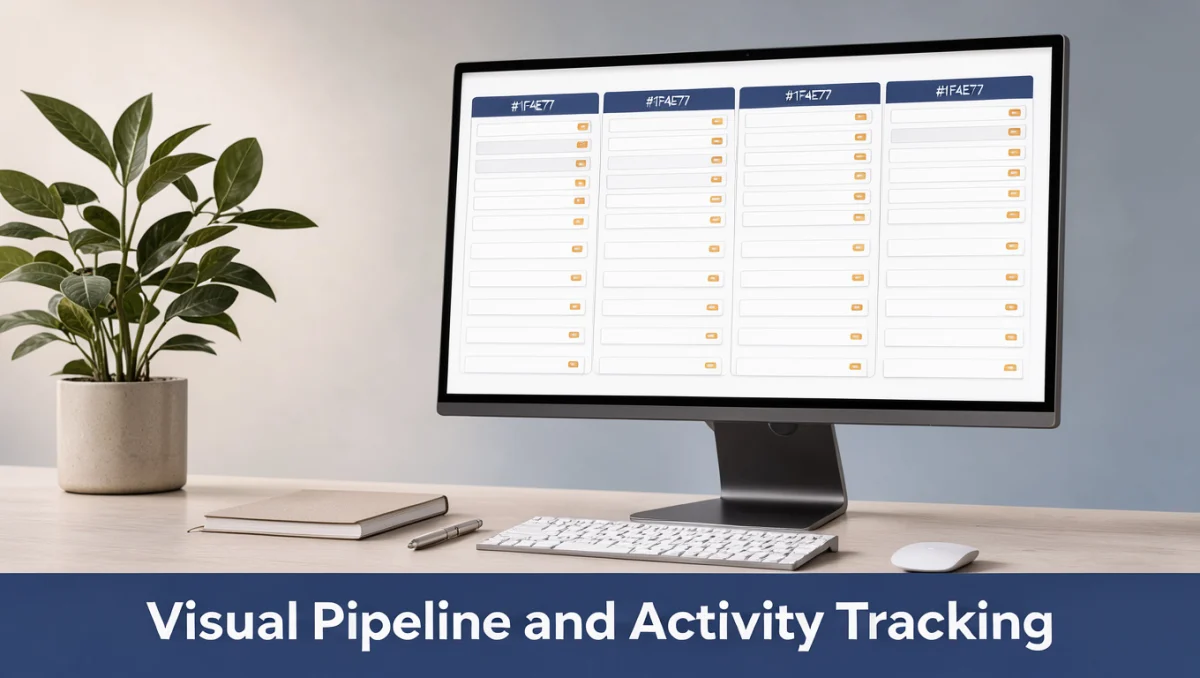
Visual deal management is the foundation of the platform. Transactions appear as movable cards across customized qualification stages. Reps can review the health of ongoing negotiations at a glance, spot stalled agreements and move promising conversations forward with clear visual cues.
3.2. Contact and Account Management
Contact records gather communication history, organizational hierarchies and contextual notes into consolidated customer profiles. Team members can review previous discussions before a prospect meeting, which prevents miscommunication when accounts change hands between colleagues.
3.3. Activity Scheduling and Follow-Up Planning
Activity-based selling depends on disciplined task execution, from logging early calls to arranging formal proposal walkthroughs. The system keeps upcoming tasks visible and prompts reps to set next steps for every active deal so opportunities do not sit unattended.
3.4. Revenue Reporting and Performance Insights
Reporting dashboards track conversion patterns, individual rep productivity and pipeline velocity across set reporting periods. Sales managers use these aggregated metrics to find operational bottlenecks, forecast deal completion and guide coaching conversations.
4. Ease of Use and Daily Workflow
Pipedrive prioritizes an intuitive interface that reduces administrative friction for active sellers. The clean layout avoids cluttered data-entry forms, so team members can update deal stages and log call outcomes quickly during busy selling blocks.
New reps usually face a modest learning curve, since the visual kanban approach mirrors familiar sales whiteboard methods. Customizing deal stages, adjusting required fields and finding historical notes can be done without extensive technical support.
Workflow consistency improves when teams define clear pipeline rules early so every user logs activity the same way. Once operational standards are set, the platform provides a dependable workstation environment that keeps commercial goals in focus throughout the workday.
5. Pros and Cons of Pipedrive
Evaluating any CRM means weighing its operational focus against its structural boundaries. Reviewing common advantages and drawbacks helps commercial teams decide whether the software matches how they work.
5.1. Key Advantages
- Structured visual pipelines make ongoing revenue initiatives quick to understand.
- Activity scheduling builds regular follow-up habits across the whole sales team.
- Clean record layouts reduce administrative overhead during busy calling sessions.
- Customizable pipeline stages fit specialized sales cadences across different business models.
5.2. Practical Limitations
- Because the platform is sales-focused, broader operations such as complex inventory tracking need separate tools.
- Advanced automation setups and detailed audit requirements call for careful checking on the vendor site to confirm your subscription level covers them.
- Large enterprises managing multi-tier distributor hierarchies may outgrow standard pipeline relationships.
6. Pipedrive vs Similar Tools
Understanding where Pipedrive fits among other recognized CRM platforms helps buyers choose software suited to their organization size and goals.
| Platform | Primary Positioning | Ideal Workflow Focus |
|---|---|---|
| Pipedrive | Activity-focused sales pipeline management | Direct sales teams wanting visual deal progression |
| HubSpot | Inbound marketing, sales, and service ecosystem | Organizations aligning content marketing with deal development |
| Zoho CRM | Broad operational platform with extensive suite extensions | Budget-conscious teams connecting CRM with diverse back-office apps |
| Salesforce | Enterprise-scale customer relationship infrastructure | Large corporations with custom governance, security, and developer needs |
HubSpot links marketing automation closely with deal tracking, which suits companies driven by inbound content. Zoho CRM offers an extensive set of business applications for teams that want unified back-office software under one umbrella. Salesforce remains geared toward enterprises that need complex organizational hierarchies, extensive compliance infrastructure and deep developer customization.
7. Who Should Use Pipedrive?
Checking user fit makes sure your investment supports daily productivity without adding unnecessary complexity.
7.1. Small and Mid-Sized Sales Teams
Growing commercial teams benefit from transparent pipeline stages that make each person's contribution visible. Sales managers can assess activity levels and step in when key opportunities go quiet for too long.
7.2. Independent Consultants and Founders
Solo operators managing high-touch client acquisition rely on structured activity tracking to stay responsive. The platform keeps important background details organized without hours of administrative upkeep.
7.3. Account Executives and Dealmakers
Professionals whose pay depends on closed deals value focused daily planning that highlights urgent client deliverables and scheduled negotiations.
7.4. Teams That Should Consider Other Platforms
Organizations centered on inbound helpdesk resolution, field technician dispatch or intricate manufacturing resource planning will find specialized operational tools more appropriate than a pipeline-first CRM.
8. How to Choose the Right Plan
Subscription tiers across the CRM industry vary widely in automation limits, advanced reporting access and team permission controls. Use this checklist to match your priorities to a plan before buying.
| What to Check | Why It Matters |
|---|---|
| User seat requirements | Subscription costs scale per user, so headcount planning is critical for accurate budgeting. |
| Custom pipeline limits | Organizations running distinct product lines or partner channels must confirm how many visual boards their plan allows. |
| Automation rules allocation | Workflow triggers save administrative time, but quota caps differ between subscription tiers. |
| Security and permission rules | Teams with sensitive client lists should verify that user role restrictions fit their governance policies. |
| Integration connectivity | Check the official app marketplace to confirm your essential email and accounting systems sync smoothly. |
9. Frequently Asked Questions
9.1. How does a dedicated desktop setup change sales pipeline workflows?
Working in a dedicated desktop window separates sales operations from distracting browser tabs. Reps can stay focused on daily call schedules and pipeline hygiene without accidental tab closures disrupting data entry.
9.2. How should buyers evaluate user access and seat allocation?
Buyers should audit their team roster to separate people who actively manage prospects from those who only need occasional executive reporting. The official pricing page clarifies whether view-only access requires a paid seat.
9.3. What hidden costs should sales teams budget for alongside a CRM subscription?
Plan for possible data migration services, staff onboarding time and complementary connectors for communication or financial tracking. Checking renewal terms and billing intervals on the official portal prevents surprise invoice changes.
9.4. How can small businesses ensure smooth data migration into a new CRM?
Clean your contact records before importing historical spreadsheets into new pipeline stages. Standardizing naming conventions, removing duplicate accounts and mapping custom fields before upload prevents confusion for sales staff.
10. Final Verdict
Pipedrive offers an organized, visually intuitive platform built to support disciplined, activity-based selling. By prioritizing actionable deal cards over bloated operational modules, it keeps reps focused on moving prospects through every phase of the sales journey.
| Criterion | Score /10 | Reason |
|---|---|---|
| Features | 8.2/10 | Strong focus on visual pipelines, deal staging and activity logging supports practical selling routines. |
| Ease of Use | 8.8/10 | Intuitive kanban layout and minimal interface clutter make team adoption quick. |
| Pricing and Value | 7.5/10 | Competitive entry point for sales teams, though advanced administrative controls require higher commitments. |
| Integrations | 7.8/10 | Wide connectivity across standard communication tools, subject to plan-specific sync policies. |
| Audience Fit | 8.5/10 | Well aligned with consultative sales teams, agencies and small to mid-sized commercial organizations. |
| Support | 7.2/10 | Standard help resources cover basic setup, with response depth depending on your service agreement. |
| Competitive Position | 8.0/10 | Holds an established reputation as a focused, user-friendly deal tracking alternative to heavy enterprise suites. |
Overall testedtruth Score: 8.0/10
For independent deal managers and dedicated commercial teams that want clear pipeline hygiene, Pipedrive is a dependable, sales-first investment. Review the official plan options and trial conditions to confirm the administrative controls meet your team's governance standards.
Questions about choosing your next sales platform? Reach out to the team at https://testedtruth.com/contact/ or follow testedtruth on LinkedIn at https://www.linkedin.com/company/testedtruth/ for ongoing software analysis.
See More pipedrive desktop app