testedtruth may earn a commission when you buy through links on this page, at no extra cost to you. This does not affect our ratings.
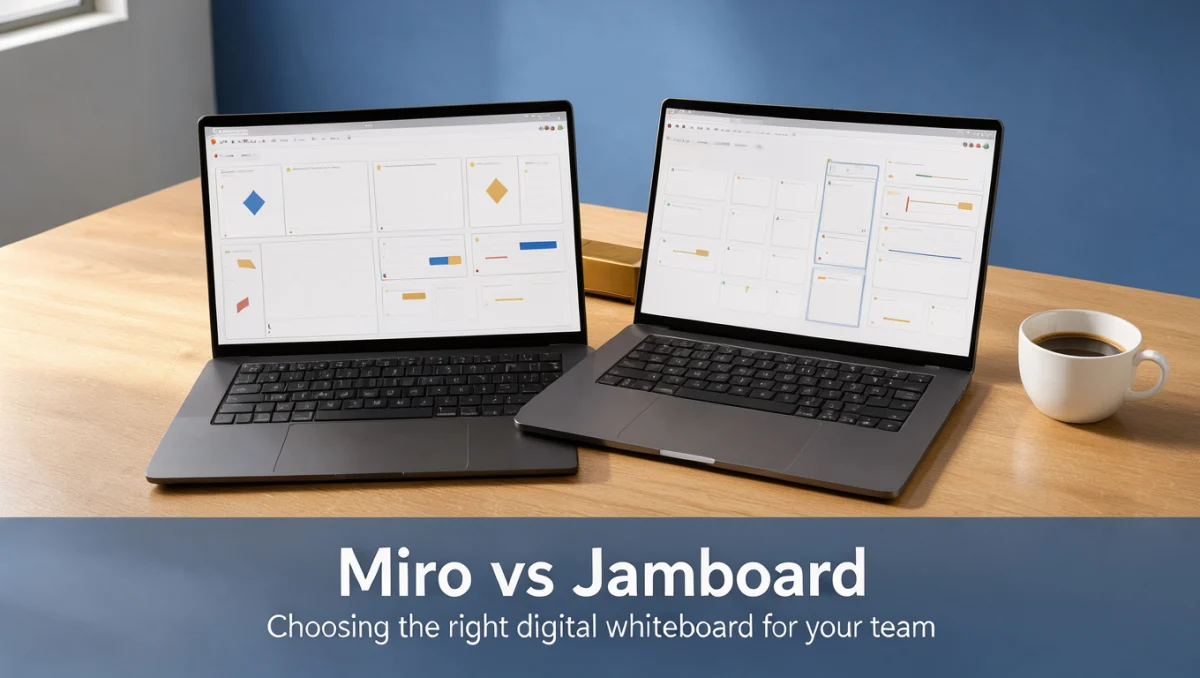
Deciding between miro vs jamboard usually comes down to how deeply your team plans to map ideas versus how quickly it needs to capture them. Both tools live in the digital whiteboard space, yet they reflect very different beliefs about what a shared canvas should do. Understanding those beliefs makes the choice far simpler.
Most visual collaboration software splits into two camps. One camp builds expansive workspaces meant to hold an entire project from kickoff to delivery. The other builds minimal boards designed for quick brainstorming notes during a live call. Your decision hinges on whether your group values disciplined framework building or fast, casual input from everyone in the room.
1. The Method Behind This Comparison
We assessed both platforms against seven criteria used across the testedtruth library: features, ease of use, pricing and value, integrations, audience fit, support, and competitive position. Plan details and limits shift regularly, so treat our notes as a starting point and confirm current terms on each vendor's official site. This piece was drafted with AI assistance and then reviewed and refined by the testedtruth Editorial Team.
2. The Core Trade-off in Brief
The real gap between these tools is depth versus immediacy. Miro is built as a broad visual collaboration platform for ongoing documentation, journey maps, workshop facilitation, and detailed flow diagrams. Jamboard functions as a pared-back digital canvas organized around sticky notes, freehand sketching, and short working sessions.
If a product team is running a multi-week design sprint or documenting a technical system, Miro keeps those assets structured and retrievable. If a teacher or meeting host just needs a board where participants can drop thoughts with no onboarding, Jamboard gets the job done with almost no friction.
3. Where Each Tool Sits in the Market
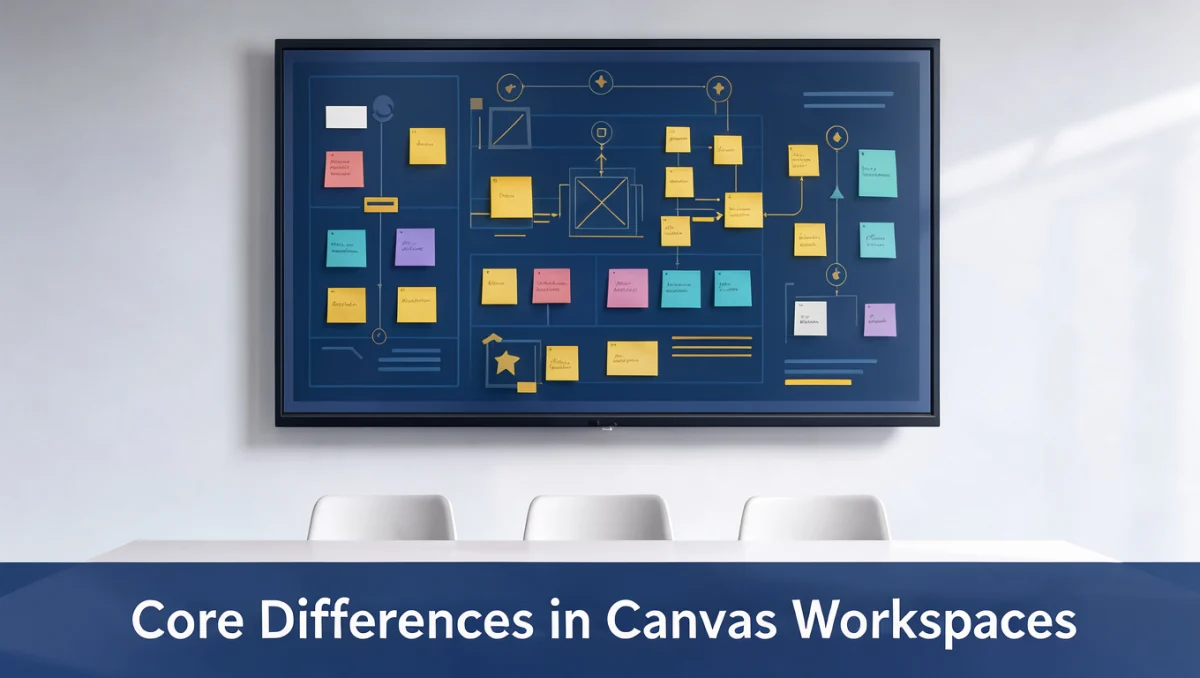
Knowing each platform's position within the Collaboration & Productivity category helps you avoid paying for capabilities you will never open. The table below summarizes that positioning.
| Tool | Best for | Core strength | Consider if |
|---|---|---|---|
| Miro | Cross-functional product teams, workshop facilitators, and agile planners | Structured boards supporting complex diagramming, sticky note clustering, and multi-frame navigation | Your projects demand extensive process mapping, lasting visual archives, or detailed frameworks |
| Jamboard | Classroom instructors, spontaneous brainstorming, and quick meeting notes | Simple whiteboard surfaces focused on immediate sketching, text entries, and sticky notes | Your team wants minimal training and purely conversational visual capture |
4. Criteria-by-Criteria Breakdown
4.1. Features
Miro ships with a deep set of canvas tools, including ready-made workflow templates, mind maps, user story maps, flowcharting elements, and hierarchical board organization. Teams can connect assets, define navigation paths across a board, and manage large visual libraries within one shared space.
Jamboard keeps its toolset intentionally small: digital pens, sticky notes, basic shapes, and clean slide-like frame sequences. It deliberately leaves out complex connectors and nested frames so the workspace stays uncluttered for casual exchanges and simple presentations.
4.2. Ease of Use
Jamboard has an almost flat learning curve because it behaves like a physical marker board. Anyone can open a board and start contributing without hunting through sidebars or configuration menus. That accessibility makes it a strong fit for classrooms and mixed audiences who seldom use diagramming software.
Miro asks for more patience up front. Its toolbars, navigation controls, zoom behaviour, and customization options take time to master. Experienced knowledge workers adapt quickly, but occasional participants can feel overwhelmed by large boards packed with interconnected elements.
4.3. Pricing and Value
Before committing, evaluate how costs scale as your team grows. In collaborative canvas software, pricing tiers often separate individual use from organizational administration and advanced permission controls.
Confirm on the official Miro and Google Workspace sites how each plan handles active collaborators, guest editing, and admin management. Reviewing these structures early keeps costs predictable as projects expand across departments.
4.4. Integrations and Ecosystem
How well a whiteboard connects to your daily tools shapes its real value. Many vendors tie their canvas products into office suites, cloud storage, and video conferencing platforms.
Check the official product pages to verify how each solution syncs with your document management systems and single sign-on provider. Linking boards directly to your communication hub cuts down on manual export steps.
4.5. Audience Fit
Miro suits product managers, UX designers, systems architects, and agile coaches who run recurring sessions and maintain evolving assets. Its canvas functions as a persistent project room that stays active for months or years.
Jamboard serves educators, casual brainstormers, and non-technical teams that treat digital whiteboards as temporary meeting scratchpads. Once the meeting ends, these users usually move key ideas into text documents rather than maintaining complex boards.
4.6. Support and Learning Resources
Enterprise buyers should review the support channels, admin documentation, and training materials each vendor provides. Elaborate visual workspaces call for structured onboarding, while simpler sketch tools need little guidance.
Look through official documentation for community forums, administrator help centers, and training webinars. Making sure your team can reach onboarding resources prevents bottlenecks during rollout.
4.7. Competitive Position
Miro competes head-on with comprehensive collaboration platforms such as Mural, Lucidspark, and FigJam, focusing on advanced visual workflows and scalable design environments. Its roadmap is aimed at large teams that need serious workspace administration.
Jamboard sits in a lighter tier alongside basic cloud sketchpads and simple browser drawing tools. It prioritizes quick entry and uncluttered screens over expansive diagramming architecture.
5. Deciding for Your Organization
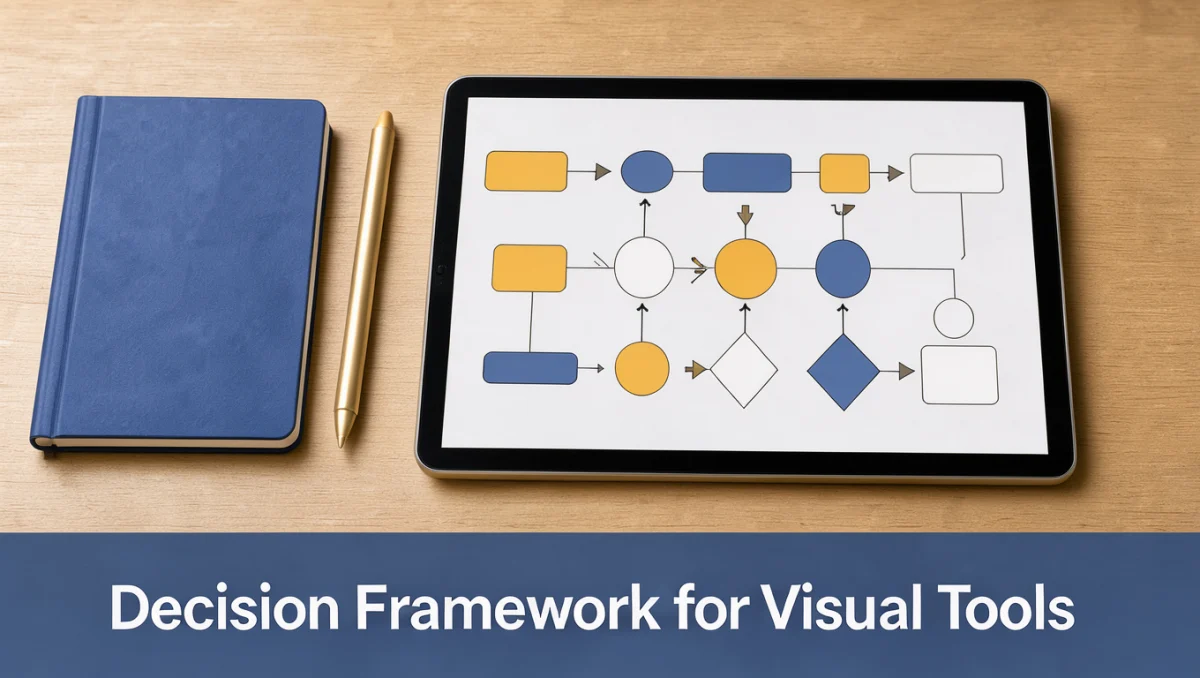
Picking between these two tools means weighing your team's workflows, how long boards need to live, and how comfortable facilitators are with software. Work through these practical steps:
- Audit your meeting types: If sessions revolve around quick idea sharing, simple sticky-note grouping, or teaching, a lightweight board keeps engagement high.
- Assess how long assets must last: When boards serve as ongoing documentation for sprints, customer journeys, or system blueprints, choose an expansive workspace such as Miro.
- Review participant comfort with software: If outside stakeholders or students struggle with multi-layered interfaces, favor a minimalist sketch tool.
- Examine admin requirements: Confirm on official vendor pages which controls exist for board sharing, access permissions, and domain-level governance.
6. Frequently Asked Questions
How does a visual collaboration workspace differ from a simple whiteboard?
A visual collaboration workspace offers persistent canvas structure, diagram connectors, and hierarchical navigation suited to long-term planning. A simple whiteboard offers basic drawing tools, digital pens, and sticky notes built for fast, temporary capture during live conversations.
What should teams consider when budgeting for canvas software?
Account for the ratio of active editors to occasional viewers across your department. Many vendors bill based on editing rights, so checking user permission models on official pricing pages helps avoid unexpected seat fees.
How should administrators handle external guest collaboration?
Review vendor security pages to see how shared links, password-protected boards, and guest contributor permissions work. Making sure outside partners can view or comment without exposing internal workspaces is a core governance concern.
When does a structured template system matter for team whiteboards?
Templates become valuable when your organization runs repeatable formats such as retrospectives, user experience mapping, or quarterly planning. They keep sessions consistent across departments and reduce preparation time for facilitators.
7. Final Verdict on Miro vs Jamboard
The right digital canvas is the one whose complexity matches how your team actually collaborates. At Tested Truth, we judge each tool on seven operational criteria.
| Criterion | Score /10 | Reason |
|---|---|---|
| Features | 8.8/10 | Miro delivers extensive diagramming frameworks and visual mapping tools, while Jamboard keeps its feature set deliberately basic. |
| Ease of Use | 8.5/10 | Jamboard offers instant accessibility with almost no learning curve, while Miro needs a short period of orientation. |
| Pricing and Value | 7.5/10 | Buyers should check official subscription details to confirm their seat count fits long-term collaboration budgets. |
| Integrations | 7.8/10 | Both platforms offer ecosystem connections that teams should verify against their own cloud storage and meeting tools. |
| Audience Fit | 8.7/10 | Clear product boundaries help distinct user groups find the right balance between structured modeling and casual sketching. |
| Support | 7.4/10 | Documentation and community help vary with platform breadth and administrative complexity. |
| Competitive Position | 8.0/10 | Each tool fills a different market role: deep project collaboration for one, fast whiteboard capture for the other. |
Overall testedtruth Score: 8.1/10
For enterprise product managers, agile facilitators, and systems engineers who need continuous documentation, Miro provides the necessary visual depth. For teachers, small study groups, and teams wanting a quick digital sketchpad with no admin overhead, Jamboard offers straightforward value.
Have questions about choosing collaboration software for your department? Send them to the team at https://testedtruth.com/contact/ or follow testedtruth on LinkedIn at https://www.linkedin.com/company/testedtruth/ for updated software analyses.