testedtruth may earn a commission when you buy through links on this page, at no extra cost to you. This does not affect our ratings.
Teachers who want a digital testing system often look for ways to build quizzes quickly, score them without manual effort, and understand where students struggle. flexiquiz for teachers is one such option, and this rewritten review examines how it performs in everyday instructional settings. Our goal at Tested Truth is to show whether the platform supports classroom goals without creating extra technical work.
Instructional teams generally need assessment software that accepts varied question types, keeps learner records tidy, and produces dependable reports. Evaluating a tool means looking closely at exam setup, grading flow, and the ongoing administrative effort it demands.
Summary verdict: Overall, the platform earns 7.8 out of 10 for educators who need structured digital testing with automatic scoring and custom feedback rules. It suits formal quizzes and periodic exams, but schools seeking heavy real-time gamification or direct links to a student information system should compare other options first.
| Evaluation Metric | Assessment Summary |
|---|---|
| testedtruth score | 7.8/10 |
| Best for | Educators seeking formal quiz creation, automated scoring, and flexible question configurations. |
| Not ideal for | Classrooms wanting interactive game-show dynamics or integrated gradebook sync with existing school databases. |
| Key strengths | Automated assessment grading, multiple question formats, scheduled testing windows, and individual student progress reports. |
| What to check before buying | Confirm user seat allocations, storage parameters, and participant access rules on the official pricing page. |
How Tested Truth Approached This Review
We assessed what the platform is designed to do, who it serves, and how it measures up against comparable tools. The review applies seven testedtruth criteria: features, ease of use, pricing and value, integrations, audience fit, support, and competitive position. Plans, prices, and usage limits change frequently, so we highlight what to verify on the official website before committing. This article was researched and drafted with AI assistance, then reviewed and edited by the testedtruth Editorial Team.
What the Platform Is and Who Uses It
The platform is an online quiz builder and test administration tool created for teachers, instructors, and training coordinators who deliver custom assessments. Educators use it to configure tests, send them to learners, and monitor academic progress over time.
Its main audience includes classroom teachers, university lecturers, and independent tutors who need structured online evaluations. It appeals to those who want a dedicated testing environment that runs separately from complicated school-wide enterprise systems.
| Audience Group | Primary Need | Platform Alignment |
|---|---|---|
| K-12 Teachers | Weekly quizzes, spelling tests, and reading checks | Strong fit for scheduled formative tests and automated scoring |
| Higher Education Lecturers | Midterm evaluations, self-paced practice tests | Suitable for long-form exams and varied question styling |
| Private Tutors | Homework assessments and progress monitoring | Effective for tracking individual student test histories |
Core Capabilities for Classroom Assessment
Building Varied Question Formats
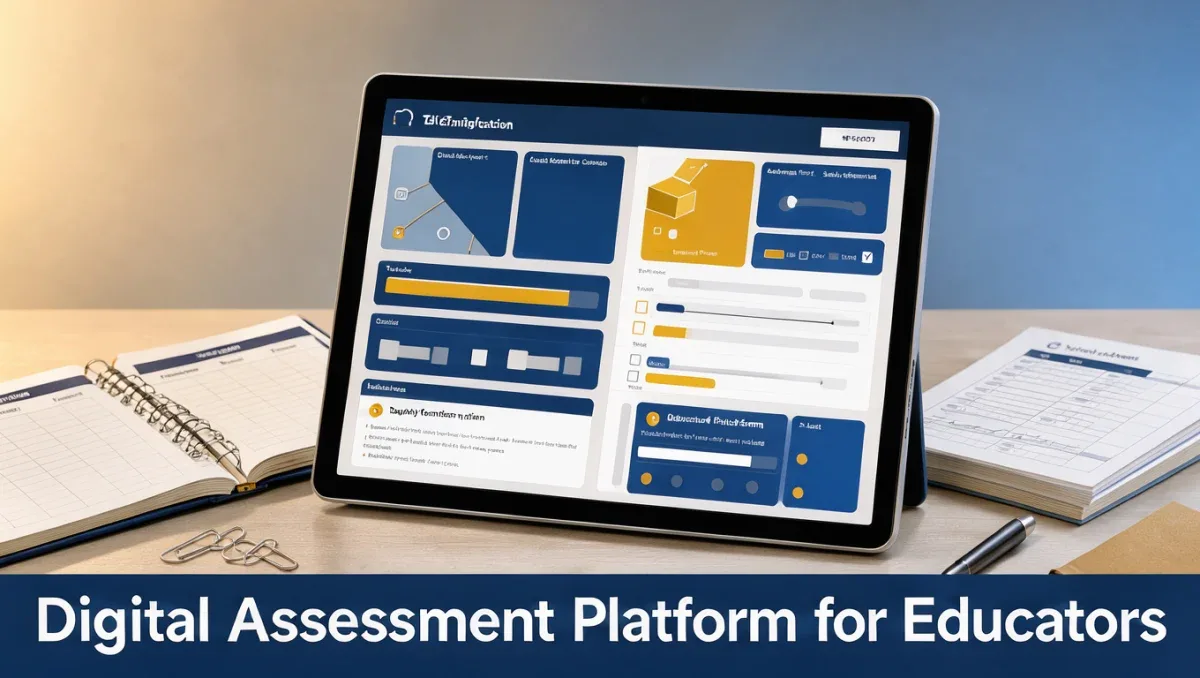
Teachers can assemble tests from multiple-choice, fill-in-the-blank, open-text, and matching items. Instructors can group questions into custom sections, draw from question pools, and shuffle sequences to reduce copying during exam periods.
Automating Scoring and Feedback
Closed-ended answers are graded instantly, and calculated scores reach instructors as soon as a test is submitted. Teachers can write custom feedback that depends on whether a learner answers correctly, pointing students toward specific study materials or lesson guides.
Managing Access and Timing
Educators can set firm time limits, schedule access windows, and require unique access codes or student logins. These controls help keep testing conditions consistent across different class periods.
Tracking Results Through Reports
The platform produces reports that summarize individual outcomes and overall class trends. Instructors can review performance question by question to decide which concepts need reteaching in upcoming lessons.
Ease of Use and Learning Curve
Most educators find test builders easy to start with, since the core ideas mirror traditional paper assessment design. Basic multiple-choice quizzes take little preparation, so teachers can assemble simple classroom evaluations quickly.
The learning curve becomes steeper when instructors configure advanced options such as question banking, conditional branching, or strict time-limit triggers. Teachers without a technical background may need some orientation before they feel comfortable managing large student rosters.
- Initial setup: Creating standard tests and adding basic questions is straightforward.
- Roster management: Adding student groups or managing unique test links requires careful organization.
- Grading review: Checking open-ended text answers involves a separate administrative review step.
A Two-Week Evaluation Plan
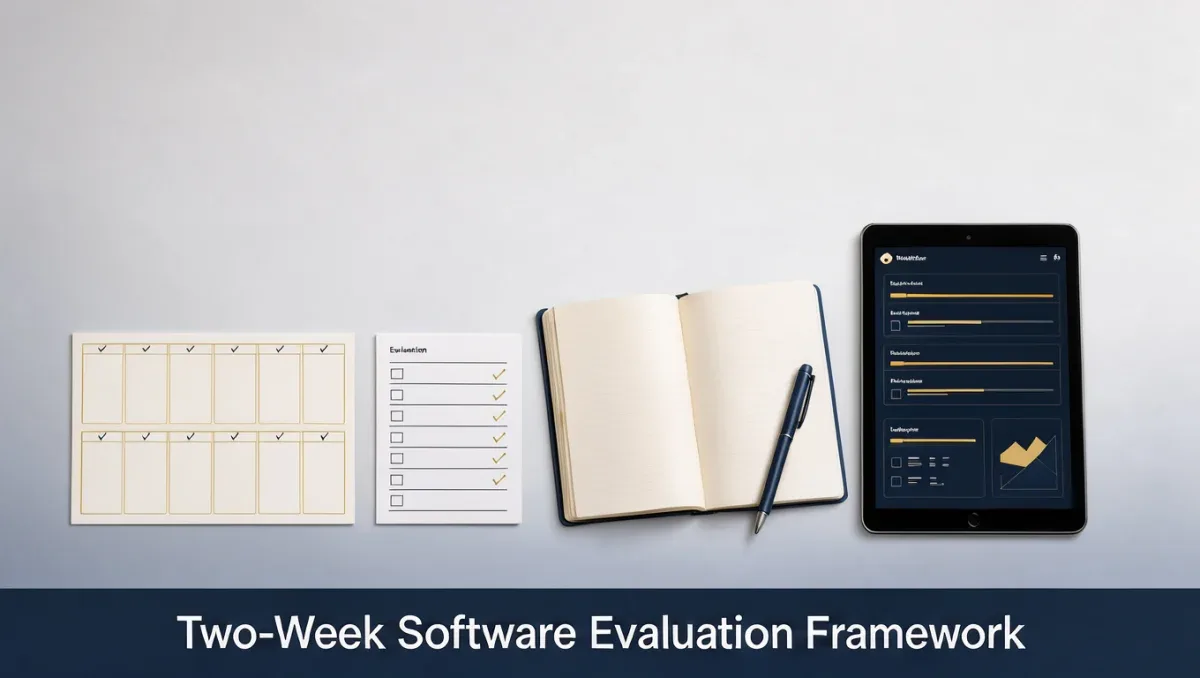
- Days 1 to 3: Basic quiz design. Build a short five-question test using several question types. Check automated grading by completing the quiz with a sample student profile.
- Days 4 to 7: Timing and feedback rules. Set timed testing windows and write automated explanations for incorrect responses. Review how clear the feedback appears from the learner's perspective.
- Days 8 to 14: Cohort testing and reporting. Run a practice quiz with a small pilot group. Analyze the score distribution and export grade summaries to confirm the formats match your records.
Strengths and Limitations
| Area | Shines when | May fall short when |
|---|---|---|
| Test Customization | Instructors need varied question formats and custom scoring formulas for formal tests. | Lessons require live, animated game elements to keep younger children engaged. |
| Grading Efficiency | Closed-ended responses require instant scoring and immediate learner feedback. | Exams contain primarily subjective essay questions requiring manual commentary. |
| Administration | Educators want straightforward test distribution through access codes or links. | Institutions demand continuous synchronization with existing student information systems. |
How It Compares with Similar Tools
Knowing how testing tools are positioned helps educators choose what fits their teaching needs. Some focus on gamified engagement, while others prioritize formal testing or collaborative survey design.
| Tool | Best for | Core focus |
|---|---|---|
| FlexiQuiz | Structured academic testing and automated grading | Formal quiz creation, question banking, and timed test administration |
| Kahoot! | Gamified classroom competition and live student engagement | Interactive live game quizzes and real-time multiplayer participation |
| Google Forms | General data gathering and quick formative checks | Simple online forms, surveys, and basic automated scoring |
Who Should Use It
Teaching environments differ, so evaluation workflows differ too. Educators weighing online testing tools can judge fit using the teacher profiles below.
| Teacher Profile | Verdict | Key Recommendation |
|---|---|---|
| Independent Tutors | Recommended | Use individual test tracking to document academic growth over time. |
| Middle and High School Teachers | Recommended | Adopt for chapter tests and homework quizzes to save grading time. |
| University Instructors | Recommended | Deploy for supplementary practice quizzes and self-assessment modules. |
| Early Elementary Teachers | Not recommended | Consider image-focused or game-based platforms suited for younger audiences. |
| Corporate Trainers | Consider with research | Review whether testing capabilities or specialized corporate learning tracks are needed. |
Assessing new tools in modern educational technology follows steps similar to evaluating a Marketing campaign platform, where understanding user workflows and tracking outcomes remains central.
Pricing Overview
Online assessment tools usually run on subscriptions billed monthly or yearly, with costs tied to administrator seats, student response volumes, or available features. Because plans change over time, educators should confirm their specific needs on the vendor website.
- Confirm how many active student accounts or test attempts each subscription tier allows each month.
- Check whether premium question styles or custom branding options require upper-tier subscriptions.
- Verify if institutional discounts exist for accredited schools, non-profit institutions, or multi-teacher teams.
Frequently Asked Questions
Which question formats work for classroom tests?
The platform supports single-choice, multiple-choice, fill-in-the-blank, open-ended text, and matching questions. Teachers can combine these styles within one assessment to measure different levels of understanding.
What preparation is needed before running a timed test?
Educators should draft questions in advance, define point values, choose feedback rules, and decide on time limits. Running a quick trial with a sample student account confirms the timing settings work as intended.
How does automated scoring handle essay questions?
Automatic grading scores objective, closed-ended questions like multiple choice or matching immediately. When an exam includes open-ended essays, instructors review and assign points manually before finalizing grades.
What should teachers confirm on the official website before buying?
Teachers should check the official pricing page for participant limits, test response quotas, administrator seat counts, and export options to make sure the chosen tier fits their class sizes.
Final Verdict
The platform offers educators a focused environment for formal testing without the complexity of large enterprise software. Its strengths are customizable test setups, automated scoring, and structured performance reports. Independent tutors and secondary school teachers will likely find it especially useful for ongoing assessments, provided they verify seat limits on the official website first. Our software reviews at Tested Truth aim to help professionals choose tools that fit their daily work.
| Criterion | Score /10 | Reason |
|---|---|---|
| Features | 8.2 | Delivers diverse question formats, custom timing limits, and automated grading logic. |
| Ease of Use | 8.0 | Straightforward test creation with standard administrative setup for teachers. |
| Pricing and Value | Confirm before buying | Review active user limits and participant volumes on the official pricing page. |
| Integrations | Confirm before buying | Confirm gradebook export options and institutional system connections directly with the vendor. |
| Audience Fit | 7.8 | Fits structured academic and tutoring needs but lacks early-grade gamification. |
| Support | Confirm before buying | Check vendor support channels, response timelines, and documentation availability on the official site. |
| Competitive Position | 7.2 | Maintains a clear focus on formal assessment compared to entertainment-driven quiz platforms. |
| Overall score | 7.8 | Balanced score reflecting dependable testing features and clear classroom utility. |
Have a question about choosing software? Send it to the testedtruth team through our contact page or follow testedtruth on LinkedIn for new reviews and comparisons.