Tested Truth may earn a commission when you buy through links on this page, at no extra cost to you. Our ratings remain independent.
Spoken-word creators often lose hours cleaning up audio. Repeated phrases, long gaps, and verbal stumbles all pull listeners away from the message. Descript remove filler words features tackle this by letting editors work from a written transcript instead of hunting for cut points on a waveform.
In this review, we examine how the platform detects hesitations, where it saves real effort, and which details you should confirm on the official Descript website before committing to a recurring subscription.
Quick verdict
Descript earns 7.8 out of ten in our testing. It suits podcasters, educators, and video creators who want transcript-driven timeline cleanup. It is less suited to teams that depend on advanced multi-camera color grading or hands-on audio post-engineering. Check current tiers and processing limits on the official pricing page before you buy.
| Metric | Details |
|---|---|
| Tested Truth score | 7.8 / 10 |
| Best for | Spoken-word producers, solo podcasters, corporate video teams, and educators who prefer text-based editing |
| Not ideal for | Dedicated colorists, traditional broadcast engineers, and teams that avoid cloud-linked transcript tools |
| Key strengths | Transcript-based editing, automated hesitation spotting, multi-track voice syncing |
| Verify before buying | Transcription minute allowances, export options, and multi-user seats on the official Descript website |
1. How Tested Truth Evaluated Descript
We assessed Descript against seven criteria: features, ease of use, pricing and value, integrations, audience fit, support, and competitive position. Plans and limits change frequently, so we flag the items to confirm directly on the vendor's site. This article was drafted with AI assistance and then reviewed and edited by the Tested Truth Editorial Team.
2. Understanding Descript and Its Audience
Descript is an audio and video editor built around a document-style workflow. Instead of working with frequency graphs and track splices, the software produces an automatic transcript of dialogue. Editing happens by selecting, deleting, or rearranging text, and those changes carry through to the underlying audio and video.
Independent podcasters use it to tighten interview recordings quickly. Course instructors rely on it to deliver lessons without unnecessary pauses. Corporate communications staff convert lengthy webinars into short summary videos for internal sharing.
Within the broader Artificial Intelligence software market, Descript stands out for focusing on conversational flow. It combines text editing, screen capture, timeline sync, and publishing into one environment.
3. Key Capabilities
Descript's central idea is making recorded speech as easy to revise as a written draft. Because words are linked to media timestamps, the editing process differs noticeably from conventional multi-track sequencers.
3.1. Transcript-Driven Editing
Waveforms align with the generated transcript. Removing a word deletes the matching audio and video segment, and moving a sentence relocates its media block. This approach eliminates the hunt for precise cut points on a visual timeline.
3.2. Automated Filler Word Detection
When you run the feature to remove filler words, the platform scans for repeated words, common vocal fillers, and hesitations. You can review each flagged item to judge pacing, or apply deletions in bulk. You may remove the audio entirely or substitute a clean natural gap, which helps avoid abrupt sound drops.
3.3. Transcription and Speaker Labels
Descript transcribes multi-speaker conversations and tags each participant. Editors can isolate individual voices, adjust their levels, and locate passages by searching the text.
3.4. Overdub and Voice Correction
Voice correction lets creators fix small misspoken phrases without re-recording whole sections. Using a verified voice profile, the tool generates synthesized corrections that can be inserted directly in the script.
3.5. Video Canvas and Layouts
Beyond audio, Descript offers a visual canvas for arranging frames, titles, automated captions, and background elements. Users can assemble social clips, slide-based presentations, and widescreen video essays alongside their transcripts.
4. Ease of Use and Learning Curve
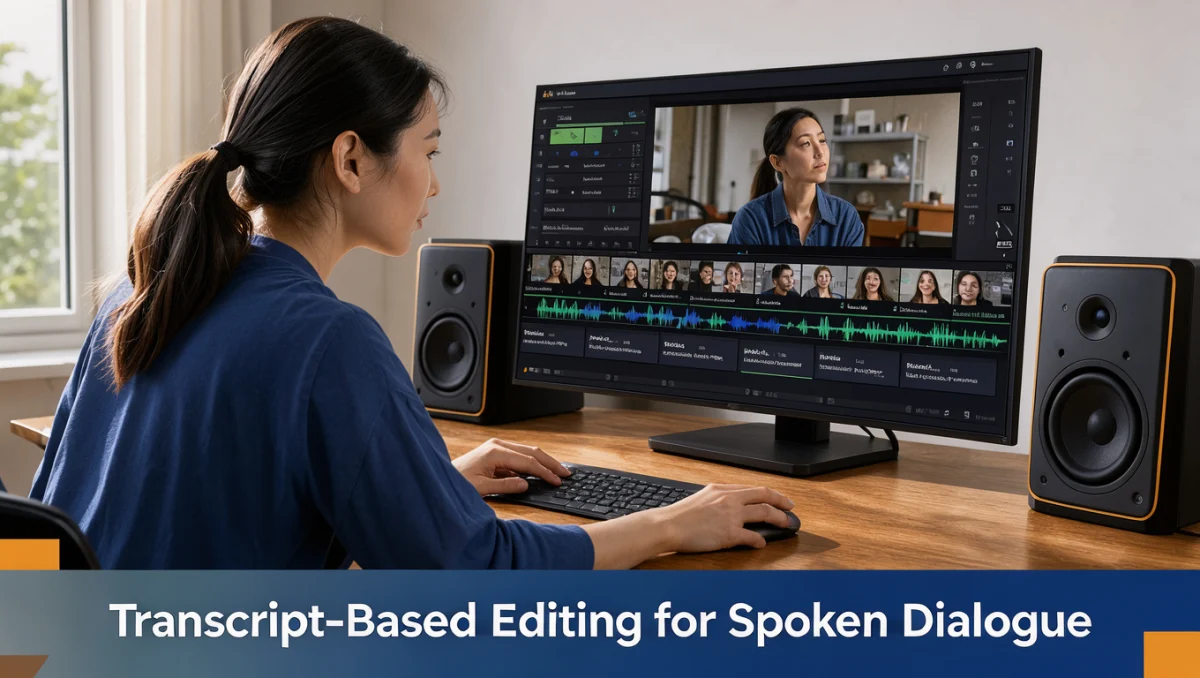
Descript lowers the barrier for creators who find traditional non-linear editors intimidating. Anyone comfortable with a word processor can get around the workspace in a first session, and removing mistakes feels natural since deletion uses familiar keyboard commands.
The learning curve steepens when projects need detailed timeline work. Adjusting crossfades between clipped words, balancing loudness across tracks, or managing room tone variation means moving between the script and the timeline. These secondary controls take practice, though they remain more approachable than professional sound engineering suites.
5. Strengths and Limitations
5.1. Strengths
- Text-centric editing makes dialogue cleanup accessible to non-technical creators.
- Automated filler detection reduces repetitive trimming to a matter of minutes.
- Built-in transcription removes the need for a separate transcription service.
- Automatic caption generation speeds up creating accessible social clips.
5.2. Limitations
- Dense background noise can make automated cuts sound abrupt, sometimes requiring manual room tone smoothing.
- Large media projects need capable local hardware to avoid preview lag.
- Processing allowances vary by subscription tier and should be monitored on the official website.
6. How Descript Compares to Alternatives
The audio and video editing market includes several established tools aimed at different production styles.
| Platform | Core Focus | Best Suited For | Workflow Model |
|---|---|---|---|
| Descript | Transcript-based dialogue editing and quick audio cleanup | Podcasters, solo creators, and webinar producers | Text-first editor with an underlying timeline |
| Adobe Premiere Pro | Full-featured professional non-linear video editing | Broadcast editors and documentary filmmakers | Multi-track timeline with advanced color and effects |
| Audacity | Open-source multi-track waveform recording | Budget recordists needing basic sound capture | Traditional waveform editor and spectral repair |
| Riverside.fm | High-resolution remote recording with built-in text editing | Remote interviewers and live shows | Cloud capture paired with browser-based transcript trimming |
Adobe Premiere Pro delivers deep finishing tools for broadcast color and effects, but its learning curve is steeper for teams that just need quick interview trims. Audacity provides dependable local waveform recording without subscription costs, yet it has no native automated filler scanning. Riverside.fm focuses on studio-quality remote capture with basic text cuts, while Descript works as a dedicated post-production space for refining pre-recorded material.
7. Who Should Use Descript
7.1. Podcasters and Interview Hosts
Hosts recording long conversations gain a lot from transcript-guided editing. Spotting tangents, removing repeated fillers, and drafting show notes from the transcript streamlines publishing.
7.2. Educators and Course Creators
Teachers and instructional designers producing lesson videos need steady, professional pacing. Removing verbal hesitations keeps lessons focused and easier for students to follow.
7.3. Marketing and Social Teams
Teams repurposing webinars into short promotional clips can scan the transcript for strong quotes, trim excess words, and add animated captions ready for social platforms.
7.4. When Another Tool Fits Better
Narrative film productions that need intensive visual grading, spatial surround mixing, or high-frame-rate effects are better served by specialized digital audio workstations and broadcast editors. Confirm your technical pipeline requirements before choosing a transcript-based tool.
8. Choosing the Right Plan
Descript uses a subscription model with several tiers based on production volume and collaboration needs. Estimate your monthly output and confirm current terms on the official website before subscribing.
| What to Check | Why It Matters |
|---|---|
| Transcription hour allowances | Monthly limits differ by plan and affect teams processing large amounts of raw footage |
| Video export resolution options | Available export resolutions may change between tiers |
| Filler word detection tiers | Advanced hesitation handling can vary by plan |
| Team collaboration seats | Multi-editor workflows require confirmed shared workspace permissions and licenses |
| Overdub allowances | Voice synthesis generation limits depend on the active tier |
9. Frequently Asked Questions
How does text-based filler removal keep audio sounding natural?
Descript trims the audio tied to the identified word and closes the gap on the timeline. You can either remove the whole gap or leave a short room tone pause to preserve a conversational rhythm. Listening to the pacing around each cut helps ensure the dialogue does not sound rushed.
What should creators watch for regarding audio quality?
Check that background room tone stays consistent across cut points. If a filler sits against steady ambient noise, an abrupt edit can make the background flutter. Room tone blending or background smoothing helps keep transitions seamless.
Which workflows benefit most from Descript?
Spoken-word formats such as narrative podcasts, talk shows, corporate training, and presentation recordings gain the most. Editors scan text far faster than they can listen through hours of audio on a conventional timeline.
What influences plan selection on the official Descript website?
Monthly recorded hours, number of team seats, and required export resolutions determine which tier fits. Review the official pricing page to confirm feature inclusions and processing limits before subscribing.
10. Final Verdict
Descript offers an efficient, approachable way to streamline dialogue editing through transcript manipulation. Its automated hesitation removal saves hours of manual trimming, making it a strong option for solo podcasters, educators, and digital marketing teams.
| Criterion | Score /10 | Reason |
|---|---|---|
| Features | 8.5 | Document-style editing, automated filler scanning, and video canvas tools provide strong workflow value. |
| Ease of Use | 8.0 | The document interface simplifies dialogue trimming, though timeline fine-tuning takes some familiarization. |
| Pricing and Value | 7.5 | Tiered subscriptions offer flexibility, but buyers should check monthly transcription limits against their output. |
| Integrations | 7.0 | Direct publishing to hosting platforms is practical; external handoffs should be verified on the official site. |
| Audience Fit | 8.5 | Well suited to spoken-word producers, educators, and podcasters focused on fast conversational cleanup. |
| Support | 7.0 | Documentation covers core workflows; review available help channels on the official portal. |
| Competitive Position | 8.0 | Stands out in transcript-based editing compared with conventional multi-track audio sequencers. |
Overall Tested Truth Score: 7.8 / 10
For independent podcasters and corporate content teams that want to turn spoken conversations into clean audio and video quickly, Descript is a dependable choice. Assess your monthly production volume, check current plan details on the official Descript website, and test sample transcripts to confirm the tool fits your post-production workflow.
Questions about choosing the right media editing software? Contact our team at https://testedtruth.com/contact/ or follow Tested Truth on LinkedIn for ongoing software reviews and buying guides.