testedtruth may earn a commission when you buy through links on this page, at no extra cost to you. This does not affect our ratings.
Choosing a tax reporting tool comes down to how it handles real filing cycles, not how its marketing reads. Our team tested the tax1099 features that matter most to finance departments and accountants: electronic submission, vendor data validation and recipient delivery.
Annual information returns require clean records, on-time transmission and clear oversight across every form. The sections below show what the platform covers so your organization can build a reliable reporting routine for 2026 without last-minute bottlenecks.
Quick verdict: Tax1099 scores 7.8/10 overall. It suits businesses, accounting practitioners and payroll managers who need direct e-filing for contractor and miscellaneous forms. It is less suited to teams looking for a unified general ledger or full bookkeeping software.
| Metric | Details |
|---|---|
| testedtruth score | 7.8/10 |
| Best for | Businesses and accounting firms filing information returns |
| Not ideal for | Organizations needing full bookkeeping and bank reconciliation |
| Key strengths | Information return filing, electronic delivery and TIN matching |
| What to check before buying | Confirm current filing rates, volume tiers and form availability on the official website |
How testedtruth Evaluated Tax1099
We assessed what Tax1099 is designed to do, who it serves and how it compares with similar tools, scoring it against seven testedtruth criteria: features, ease of use, pricing and value, integrations, audience fit, support and competitive position. Pricing and limits change frequently, so we flag what to confirm on the official site before purchasing. This article was researched and drafted with AI assistance, then reviewed and edited by the testedtruth Editorial Team.
What Tax1099 Is and Who Uses It
Tax1099 is an information return platform built to prepare and submit tax forms electronically to government agencies. It concentrates on regulatory reporting, helping filers send required documentation to the Internal Revenue Service and state revenue departments. Software in this category must manage structured data and strict statutory deadlines, and this platform is built for exactly that job.
The tool targets small business owners, accounts payable teams, corporate tax professionals and external bookkeepers handling annual vendor disclosures. Before adopting it, organizations should decide whether their main goal is standalone electronic reporting or end-to-end transaction recording. Filers should also consult a certified public accountant or qualified tax advisor about their specific obligations.
- Independent businesses submitting annual nonemployee compensation reports
- Accounting practices managing reporting cycles for multiple client entities
- Organizations verifying taxpayer identification before year-end payments
- Entities offering digital delivery of recipient copies
What Tax1099 Helps You Do
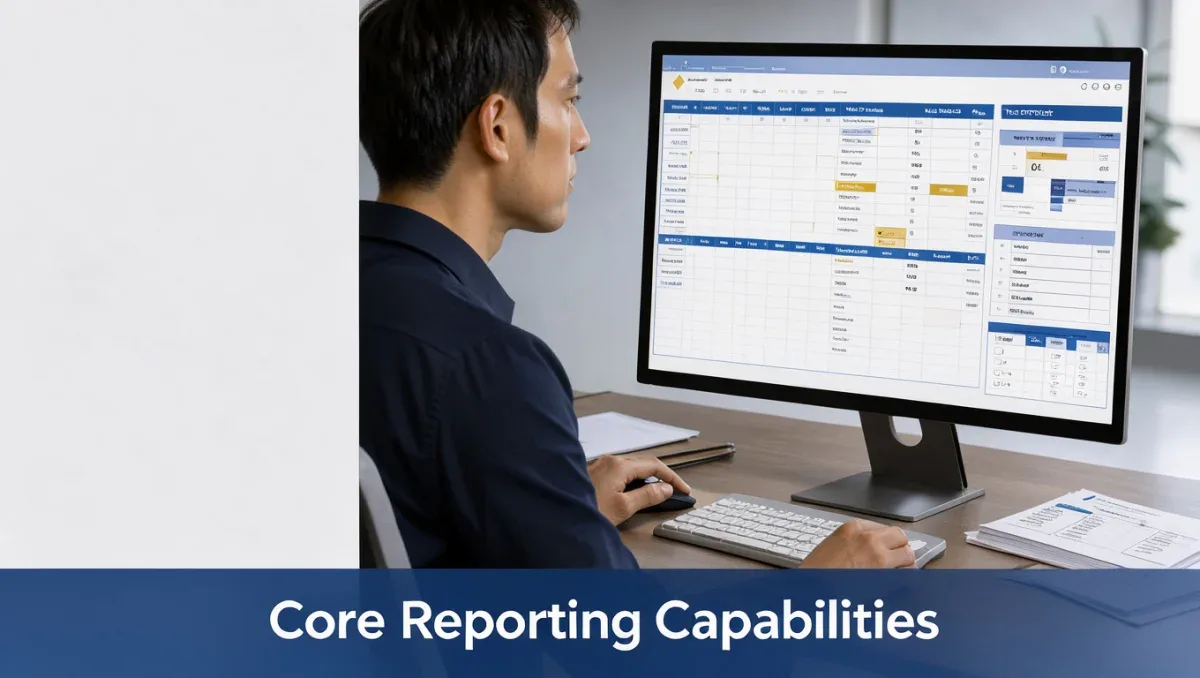
Tax1099 groups its capabilities around the stages of tax document administration, from initial vendor validation through to archiving completed submissions.
Information Return Creation and Submission
The platform supports creating and electronically submitting several tax form types, including nonemployee compensation and interest records. Users enter transaction totals, confirm payer details and transmit completed schedules to federal and state authorities. Before committing to an annual cycle, test sample filings on the official Tax1099 website to see how records validate against common filing rules.
Taxpayer Identification Verification
Checking recipient details is essential to avoiding mismatch notices from agencies. Tax1099 offers automated checks that compare vendor tax identification numbers and legal names against official tax agency records. Because compliance guidance generally recommends running these checks before paying vendors, confirm how validation and any per-check fees work on the official portal.
Recipient Copy Distribution
Copies sent to contractors, vendors and payees must meet statutory deadlines. The platform supports electronic delivery through secure portals as well as physical mailing handled by external postal partners. Before choosing digital delivery, confirm that recipient consent requirements fit your payee relationships.
Ease of Use and Learning Curve
Tax compliance tools require familiarity with information return codes, box designations and regulatory schedules. Tax1099 mirrors the complexity of tax rules, using data fields that align closely with official government forms. Users comfortable with administrative paperwork will adapt quickly, while beginners may need a short adjustment period.
Because the platform prioritizes statutory accuracy over simplified wizards, data correctness matters more than speed of entry. When working across accounting and reporting utilities, factor staff training time into your plan well before filing deadlines.
- Data entry screens follow official IRS form layouts directly
- Terminology matches statutory guidelines and reporting instructions
- Managing multiple clients requires organized legal entity records
- Pre-filing checks flag missing fields to reduce transmission rejections
A Two-Week Evaluation Plan for Tax1099
Testing specialized software works best under realistic conditions. The following two-week plan lets you assess workflow fit without risking a live deadline.
- Days 1–3: Create an evaluation account and enter practice payer entity details. Review available form types to confirm coverage for your reporting needs.
- Days 4–7: Import a small batch of anonymized vendor profiles. Run sample taxpayer identification checks to see how verification results appear.
- Days 8–14: Complete a simulated electronic submission up to the final confirmation step. Review recipient delivery options and define your team's post-submission archiving process.
Where Tax1099 Shines and Where It Falls Short
Tax compliance tools offer distinct advantages and limits depending on operational scope. The comparison below shows where Tax1099 delivers practical value and where you may need complementary software.
| Area | Shines when | May fall short when |
|---|---|---|
| Electronic tax filing | Submitting multiple information return series to federal authorities | Organizations need real-time bank reconciliation and daily invoicing |
| Vendor identity validation | Verifying legal business names and identification numbers in bulk | Teams expect full procurement contract tracking inside the tool |
| Client practice management | Managing separate filing batches across distinct corporate entities | Firms need integrated staff billing and automated time tracking |
| Recipient copy handling | Offering digital download links or outsourced mail fulfillment | Recipients expect custom branded client communication portals |
Tax1099 Compared With Similar Tools
Seeing the alternatives helps clarify where this platform fits. The tools below are established options in the information return space, each emphasizing different priorities.
| Tool | Best for | Core focus |
|---|---|---|
| Tax1099 | Small to mid-sized businesses and accounting firms | Electronic filing for varied information returns and identity validation |
| Track1099 | Paperless remote teams and online-first companies | Streamlined electronic delivery of contractor tax documents |
| Yearli | Organizations needing combined federal, state and local packages | Multi-tier electronic and print reporting services |
Who Should Use Tax1099
Different organizations face different reporting demands across the tax year. The table below shows how common operating groups match the platform's design.
| Audience profile | Alignment status | Primary rationale |
|---|---|---|
| Freelancers and sole proprietors | Optional | Useful if paying several subcontractors, unnecessary for personal annual returns alone |
| Small business employers | Strong match | Handles nonemployee compensation and miscellaneous income reporting efficiently |
| Mid-sized enterprise accounting teams | Strong match | Enables centralized submission of high-volume payee documentation |
| Independent bookkeepers and CPAs | Excellent match | Supports multi-client oversight under one administrative account |
| Companies needing full ERP accounting | Not recommended alone | Must be paired with a separate bookkeeping platform for daily general ledger work |
Pricing at a Glance
Information reporting software typically uses per-form pricing, bundled subscriptions or volume-based tiers. Since pricing changes periodically, check these three points on the official Tax1099 website before entering transaction details.
- Confirm whether filing costs follow a per-form schedule or require a recurring annual subscription, since filing volume drives total spend.
- Verify state filing fees, because some states require separate transmissions that may carry extra charges.
- Check postal and mailing charges if recipients have not consented to electronic statement delivery.
Frequently Asked Questions
What forms does Tax1099 support?
Tax1099 supports a wide range of information returns, including Form 1099-NEC, Form 1099-MISC, Form 1099-INT and related annual federal schedules. Check the official form directory to confirm that any specialized forms you need are included.
How does Tax1099 handle state filing requirements?
The platform participates in the Combined Federal/State Filing program and supports direct state transmissions where independent electronic submission is required. State rules change, so verify current delivery policies with a tax professional or in the official documentation.
Can multiple users access client records in Tax1099?
Multi-user access depends on the account structure chosen by the primary administrator. Teams should confirm seat permissions, role-based security and client assignment options on the official plan details page before setting up client accounts.
What is needed before submitting forms electronically?
Filers need accurate vendor legal names, addresses, taxpayer identification numbers and exact compensation amounts for the reporting year. Verifying recipient data against Form W-9 details before transmission significantly reduces processing errors and agency rejections.
Final Verdict
Tax1099 is a focused tool for business owners, accountants and finance professionals managing annual information returns. It is not designed to replace core accounting software or a general ledger, but its targeted validation and electronic transmission features address essential compliance needs. Tested Truth provides objective software assessments to help business owners choose specialized operational tools.
| Criterion | Score /10 | Reason | |
|---|---|---|---|
| Features | 8.2/10 | Broad coverage of information return forms and built-in identity verification tools. | |
| Ease of Use | 7.2/10 | Follows statutory formatting closely, which suits tax-literate users but takes adjustment for novices. | |
| Pricing and Value | Confirm before buying | Confirm current filing tiers and state transmission fees on the official pricing page. | |
| Integrations | Confirm before buying | Review available accounting data import methods on the official website before subscribing. | |
| Audience Fit | 8.4/10 | Serves small businesses, corporate payables teams and accounting practices effectively. | |
| Support | Confirm before buying | Confirm communication channels and peak-season support hours on the official support page. | |
| Competitive Position | 7.4/10 | Holds a clear position against dedicated compliance alternatives through flexible multi-entity handling. | |
| Overall score | 7.8/10 | Average across the evaluated testedtruth software rating criteria. |
Businesses filing modest or large volumes of contractor compensation forms will find Tax1099 an effective compliance tool when paired with an existing accounting ledger. Verify your volume requirements and review filing schedules with a qualified tax accountant before submitting final records for 2026.
Have a question about choosing software? Send it to the testedtruth team through our contact page or follow testedtruth on LinkedIn for new reviews and comparisons.