testedtruth may earn a commission when you buy through links on this page, at no extra cost to you. This does not affect our ratings.
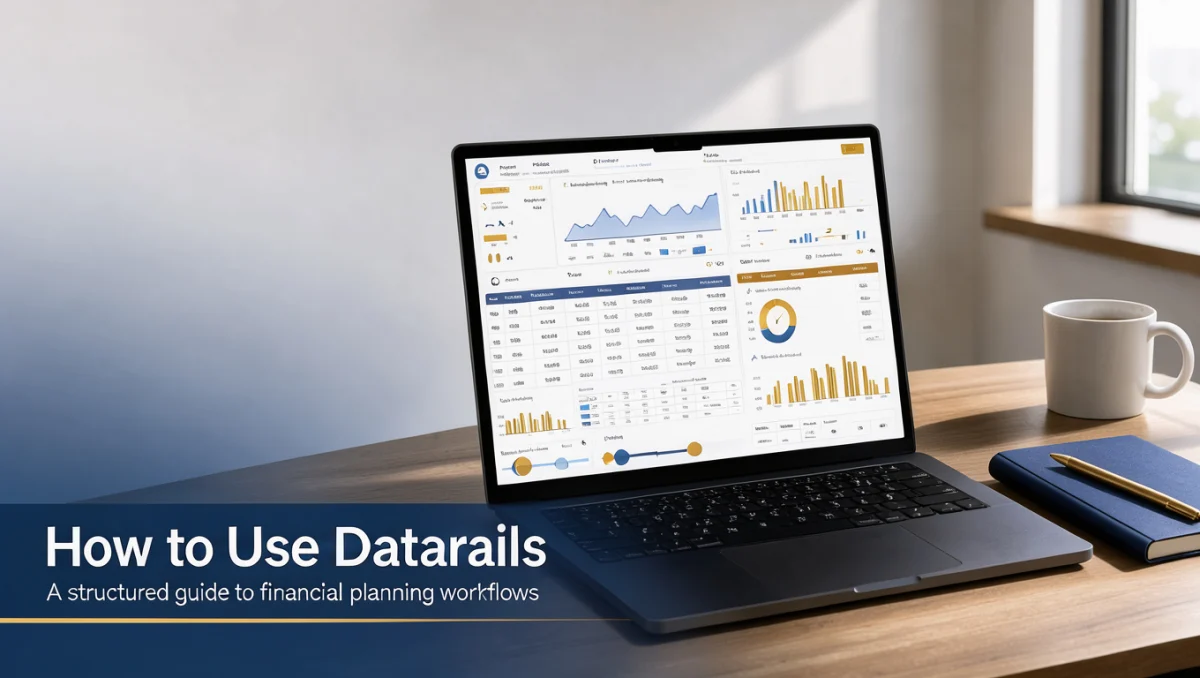
Getting started with how to use datarails begins with pulling your historical ledger data together, aligning your chart of accounts, and setting up routines that consolidate figures without manual copying. Finance teams often want to keep the spreadsheets they already trust, so the goal is to connect those familiar workbooks to a central data layer rather than abandon them. At Tested Truth, we walk through these software processes so decision-makers can roll out new tools with fewer surprises.
A smooth rollout depends on a clear sequence: normalize the chart of accounts first, then automate recurring consolidation, and finally schedule variance reviews. Following that order keeps balances consistent across ledger extracts, budget templates, and executive summaries while your regular reporting calendar continues to run.
Quick answer: To learn how to use Datarails, prepare clean trial balances, map your workbooks to standard database fields, automate periodic consolidation, and review budget variances. Verify source system connections, build month-end validation checks, and involve experienced finance professionals when multi-entity consolidation rules get complicated.
| Evaluation Dimension | Operational Guidance |
|---|---|
| Who this guide is for | Finance managers, corporate controllers, and financial analysts who want automated consolidation and structured planning |
| What you need before starting | A clean chart of accounts, historical general ledger balances, current budget templates, and administrator database access |
| What you will have at the end | A repeatable reporting workflow, scheduled variance analysis, and documented month-end consolidation steps |
1. How testedtruth Put This Guide Together
This guide pairs what the software is designed to do with the testedtruth buying framework, so you can judge whether it suits your business. Pricing, plans, and limits change frequently, so confirm current details on the official website before purchasing. This article was researched and drafted with the help of AI tools, then reviewed and edited by the testedtruth Editorial Team.
2. Before you start
Before any financial planning rollout, gather your core transaction records and agree on reporting standards. Preparing source files early prevents mismatch errors during later consolidation, particularly when several business units must align across distributed subsidiaries.
- Historical general ledger extracts and trial balances for the relevant fiscal years.
- Standardized chart of accounts definitions, including department codes, cost centers, and intercompany elimination accounts.
- Existing reporting workbooks, such as profit and loss sheets, balance sheets, and cash flow projections.
- Administrator credentials for your ERP platform and any external payroll databases.
- Documentation of your current month-end close schedule, approval hierarchy, and internal audit requirements.
3. Step-by-step workflow: how to use Datarails
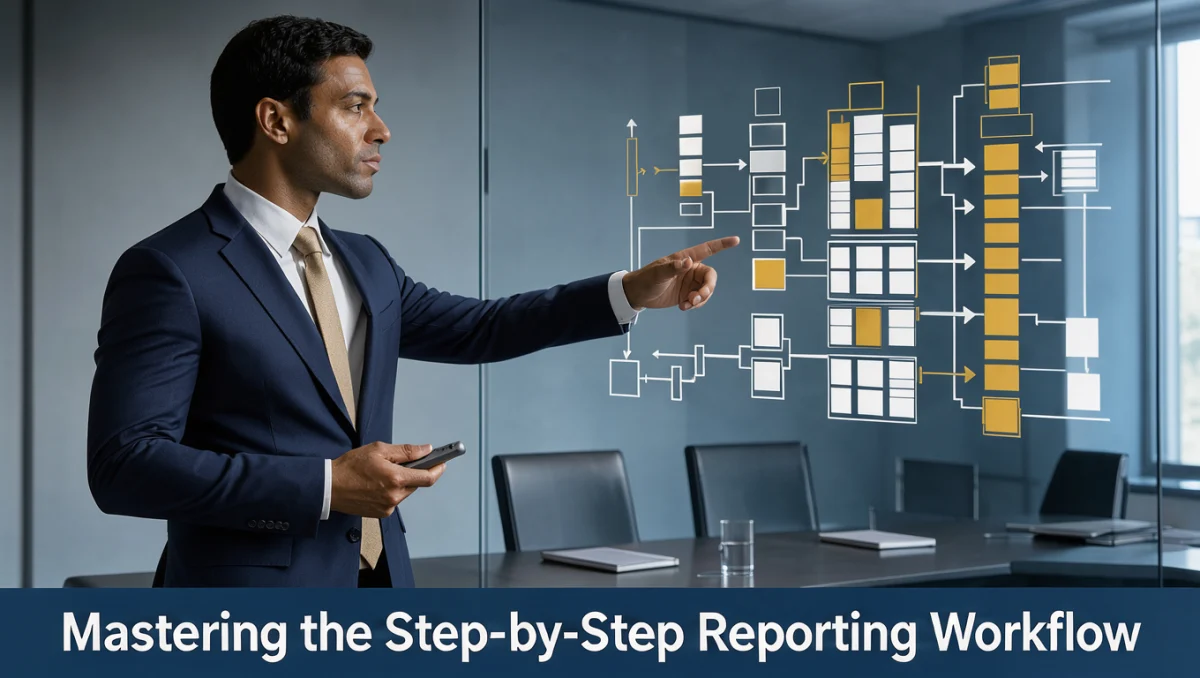
Working through how to use Datarails means following a disciplined sequence that links familiar desktop workbooks to a centralized database. These milestones keep reporting reliable without disrupting ongoing quarterly operations.
- Audit and clean existing spreadsheets to remove broken formula references, hardcoded plugs, and inconsistent naming before connecting data sources.
- Map internal spreadsheet ranges to central database schemas so each account number and entity tag matches your financial hierarchy.
- Run an initial baseline consolidation to confirm that imported general ledger balances match your audited financial statements.
- Build standardized templates for routine management packs, variance reviews, and rolling cash forecasts.
- Set up automated refresh cycles that pull regular ledger updates directly into dynamic board presentation decks.
- Run scenario models to evaluate budget adjustments, headcount changes, and revenue shifts against baseline targets.
4. Your first 30 days
A phased adoption schedule keeps implementation organized while your team adapts to automated reporting. Research published on the Tested Truth software portal favors staged milestones over abrupt operational cutovers.
| Week | Routine to build | Why it matters |
|---|---|---|
| Week 1 | Data mapping and chart reconciliation | Establishes a single source of truth for historical ledger numbers. |
| Week 2 | Template standardization and test syncs | Verifies that existing spreadsheet logic aligns with centralized records. |
| Week 3 | Parallel month-end reporting run | Surfaces differences between manual calculation workbooks and automated rollups. |
| Week 4 | Management deck review and routine scheduling | Lets analysts publish recurring financial packages without repetitive manual rework. |
5. Common mistakes and how to avoid them
Financial software rollouts more often stumble over disorganized legacy practices than over technical barriers. Watching for these common oversights protects reporting integrity.
- Importing workbooks with inconsistent column headers or merged cell blocks across business units.
- Overlooking intercompany balances, which distorts consolidated revenue and expense totals.
- Neglecting permission governance, letting unauthorized staff overwrite baseline financial assumptions.
- Skipping parallel manual reconciliation during the first month of deployment.
- Failing to document custom calculation formulas used in management reporting packs.
6. When to ask for help
Structured software simplifies routine modeling, but certain complex situations call for specialist advice. Knowing when to escalate keeps compliance and operations stable.
- Complex foreign currency translation adjustments that require specialized accounting treatment under international reporting standards.
- Major entity restructuring, acquisitions, or spin-offs that change fundamental consolidation rules.
- Unresolved sync discrepancies between ERP databases and centralized financial tables.
- Statutory tax compliance reviews, where certified public accountants must verify regulatory reporting accuracy.
7. Frequently asked questions
What level of spreadsheet proficiency is needed for this platform?
Users should be comfortable with spreadsheet formulas, financial modeling conventions, and pivot structures. Because the platform preserves familiar workbook environments, finance professionals who already manage budget templates can adapt quickly without learning full programming code.
How should a team handle multi-entity consolidation rules?
Establish a standardized chart of accounts mapping table that clearly specifies elimination accounts for intercompany transactions. Confirm foreign exchange translation methods with certified accounting advisors before automating periodic consolidation to avoid reconciliation errors during audits.
What steps ensure data consistency during onboarding?
Running parallel reporting cycles alongside existing spreadsheets is the most effective safeguard. Comparing line-by-line outputs for profit and loss balances, gross margins, and balance sheet lines across a full month-end cycle reveals discrepancies before final sign-off.
Where can administrators confirm user permission limits?
Administrators should check the official software documentation and plan specification pages for role assignments. Verifying access tiers directly with vendor support ensures sensitive salary, bonus, and profit details stay restricted to authorized leadership.
8. Next steps on how to use Datarails
Adopting financial planning technology successfully requires deliberate organization, careful verification, and consistent maintenance. Teams looking to get the most from how to use datarails should move forward with these concrete actions.
- Audit all budgeting templates currently circulating across your finance department.
- Visit the official vendor documentation portal to confirm technical prerequisites for your general ledger system.
- Schedule planning workshops with department heads to standardize reporting criteria before automating workflows.
- Run a complete parallel consolidation cycle during your next close to validate automated outputs against historical benchmarks.
Have a question about choosing software? Send it to the testedtruth team through our contact page or follow testedtruth on LinkedIn for new reviews and comparisons.