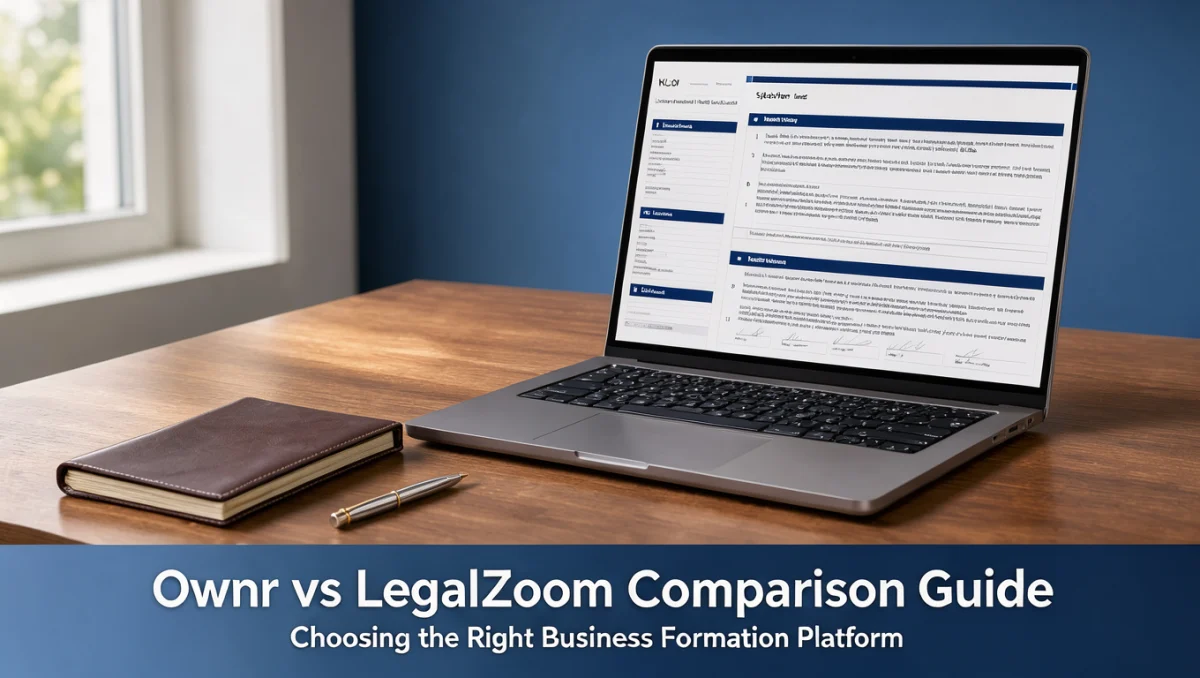
Our editorial team reviewed this comparison to help founders pick the right ownr vs legalzoom option for their company. The right choice usually comes down to jurisdiction first, then the level of ongoing record-keeping you need. Here is a fresh look at how the two services differ.
How We Assessed Ownr and LegalZoom
We judged each platform against seven criteria: features, ease of use, pricing and value, integrations, audience fit, support and competitive position. Plans and prices change frequently, so treat our notes as a starting point and confirm current details on each official website before paying.
The Core Decision: Where Your Company Is Registered
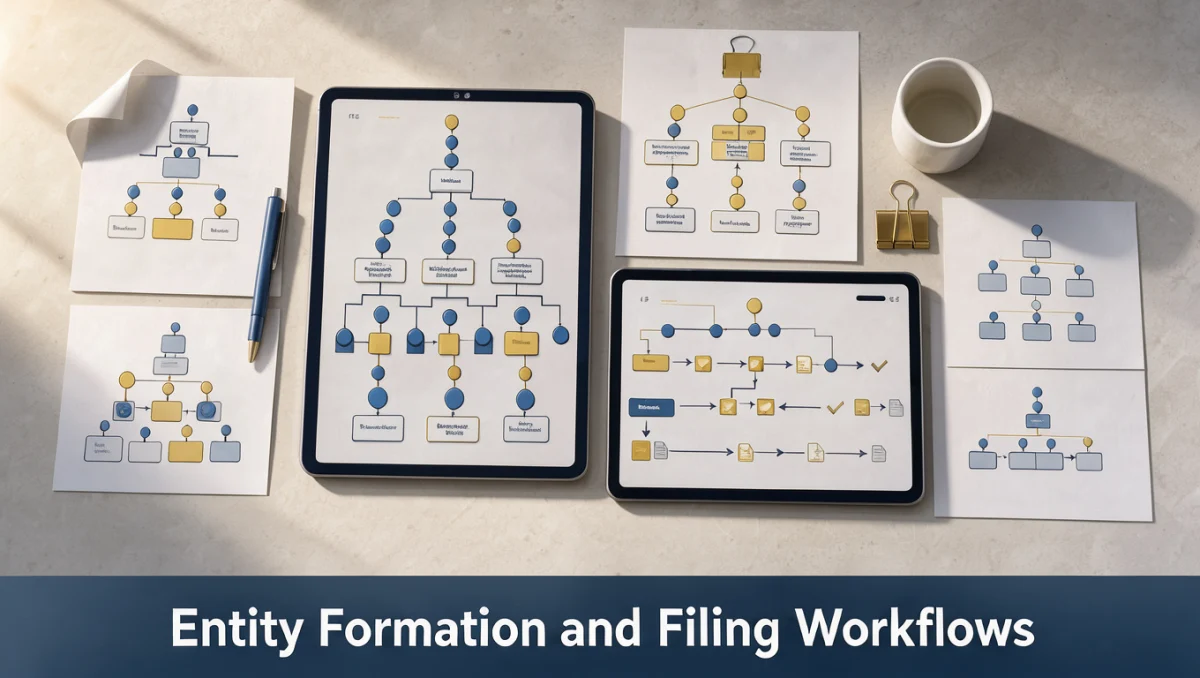
Jurisdiction decides most of this comparison. Ownr is built around Canadian corporate frameworks, with a focus on federal and provincial registrations and digital minute book upkeep. LegalZoom is aimed at business formation under United States state rules, covering LLCs and corporations across multiple states.
Software in this space follows different regulatory rules, so check that your target province or state is supported before you start an application.
Side-by-Side Positioning
| Tool | Best for | Core strength | Consider if |
|---|---|---|---|
| Ownr | Canadian founders | Digital governance and minute books | You are registering a provincial or federal entity in Canada |
| LegalZoom | US founders | Broad entity formation services | You are forming an LLC or corporation in the United States |
If your team also needs help coordinating daily work around these records, browse tools in the Collaboration & Productivity category. Keep in mind that legal formation software is a separate product category with its own scope and limits.
Features: Formation and Ongoing Records

Both platforms use guided questionnaires that turn your answers into formal incorporation or organization documents, so the setup experience feels familiar across the two.
Formation Workflows
Ownr walks founders through preparing federal or provincial articles, business name registrations and organizational resolutions. It also generates foundational records such as share certificates, director consents and bylaws. LegalZoom produces articles of organization for LLCs or articles of incorporation for corporations, shaped around American business structures.
Corporate Records and Maintenance
Ownr keeps a centralized digital minute book, where share issuances, officer changes and meeting minutes are stored together. LegalZoom handles annual reports and state compliance notices through its service portal. Before you buy, confirm on the official sites which recurring maintenance tasks are included in your standard package.
Ease of Use and Setup
Both tools aim to reduce confusion for first-time owners. Ownr presents its process as step-by-step company organization, including shareholder distributions and digital signature collection. LegalZoom uses a sequence of intake forms covering the business name, registered agent and management structure. If your share structure is complex, have an accountant or lawyer confirm that it reflects your commercial intent.
Pricing and Total Cost
Expect to pay upfront government registration fees plus ongoing platform charges. Statutory fees vary by jurisdiction, and the software provider usually passes those costs through to you.
Annual compliance tracking, report filings and registered agent services often run on recurring subscriptions. Check the official pricing pages for both Ownr and LegalZoom to review renewal fees, document retrieval charges and cancellation terms before you submit your details.
Integrations and Data Portability
Legal platforms focus on security and structured document exports rather than large app marketplaces. Confirm that you can download corporate records, cap tables and governance documents in standard formats. That way your files stay accessible to outside counsel or financial advisors whenever you need them.
Who Each Platform Suits
- Canadian startups: Ownr matches Canadian corporate rules, making it the practical choice for domestic registrations and local minute book compliance.
- US small businesses: LegalZoom covers American requirements across individual states, including state-specific compliance steps.
- Cross-border businesses: If you operate in both markets, get legal advice rather than relying on one automated service, since each jurisdiction has its own filings.
- Complex corporate groups: Multi-tier holding companies or businesses with custom shareholder agreements usually need a dedicated corporate law firm.
Support Expectations
Support usually includes a knowledge base, direct customer service and sometimes specialist access. These platforms cannot give independent legal advice, so their help centers on navigating the product, processing documents and updating filing status. Confirm contact methods and support hours on the official websites before ordering any time-sensitive filing.
Market Position
Ownr serves founders who want streamlined Canadian formation paired with digital governance. LegalZoom remains a common choice for general commercial legal needs in the United States. Tested Truth evaluations focus on practical fit over promotional claims, so you can match a tool to your actual operating environment.
How to Choose Between Them
- Confirm your registration jurisdiction: Decide whether your company must be registered in Canada or the United States. This answers the main question.
- Assess your minute book needs: If you need continuous digital upkeep of resolutions, share registers and minutes, look closely at Ownr's platform demo.
- Review your contract needs: If you need a broad set of operational contracts under American law, compare the document library on LegalZoom.
- Calculate the full budget: Add up government filing fees, initial software charges and annual compliance costs using each official pricing page.
- Get professional review: Have your accountant or lawyer check the final documents before you rely on them.
Frequently Asked Questions
How should a founder choose between these platforms?
Start with your entity's location. Ownr handles Canadian provincial and federal setups, while LegalZoom covers registrations across US jurisdictions.
What ongoing costs should I expect after incorporation?
Plan for annual government filing fees, state or provincial report fees, and any recurring subscription for minute book or registered agent services. Check official pricing tables for renewal figures.
Can automated formation tools replace a lawyer?
Software handles routine document generation and standard filings from your inputs. Custom arrangements such as complex vesting schedules or disputed contract terms still need an attorney.
Should an accountant review my setup?
Yes, it is strongly recommended before you finalize registration. An accountant can confirm share classes, fiscal year choices and initial asset allocation against your long-term tax obligations.
Where can I verify current plans?
Confirm package details, document coverage and jurisdiction availability on the official Ownr and LegalZoom websites to avoid surprise costs during filing.
Final Verdict
| Criterion | Score /10 | Reason |
|---|---|---|
| Features | 7.6/10 | Automates formation documents, share issuance paperwork and digital minute book records. |
| Ease of Use | 8.8/10 | Structured questionnaires simplify setup for new founders. |
| Pricing and Value | 7.8/10 | Total cost depends on platform rates plus required jurisdictional fees. |
| Integrations | 7.0/10 | Focus is on secure document management and exports rather than app libraries. |
| Audience Fit | 8.4/10 | Clear regional alignment serves businesses in supported territories well. |
| Support | 7.2/10 | Help centers on document processing and platform navigation. |
| Competitive Position | 7.4/10 | Clear focus on Canadian entity creation alongside established alternatives. |
Overall score: 7.7/10
For founders registering in Canadian provinces, Ownr offers a dedicated digital path for formation and ongoing governance. For businesses under United States corporate law, LegalZoom aligns with the right jurisdiction. Review official specifications carefully before you start your filing.
Questions about choosing corporate tools? Reach out through https://testedtruth.com/contact/ or connect with us on LinkedIn at https://www.linkedin.com/company/testedtruth/.