testedtruth may earn a commission when you buy through links on this page, at no extra cost to you. This does not affect our ratings.
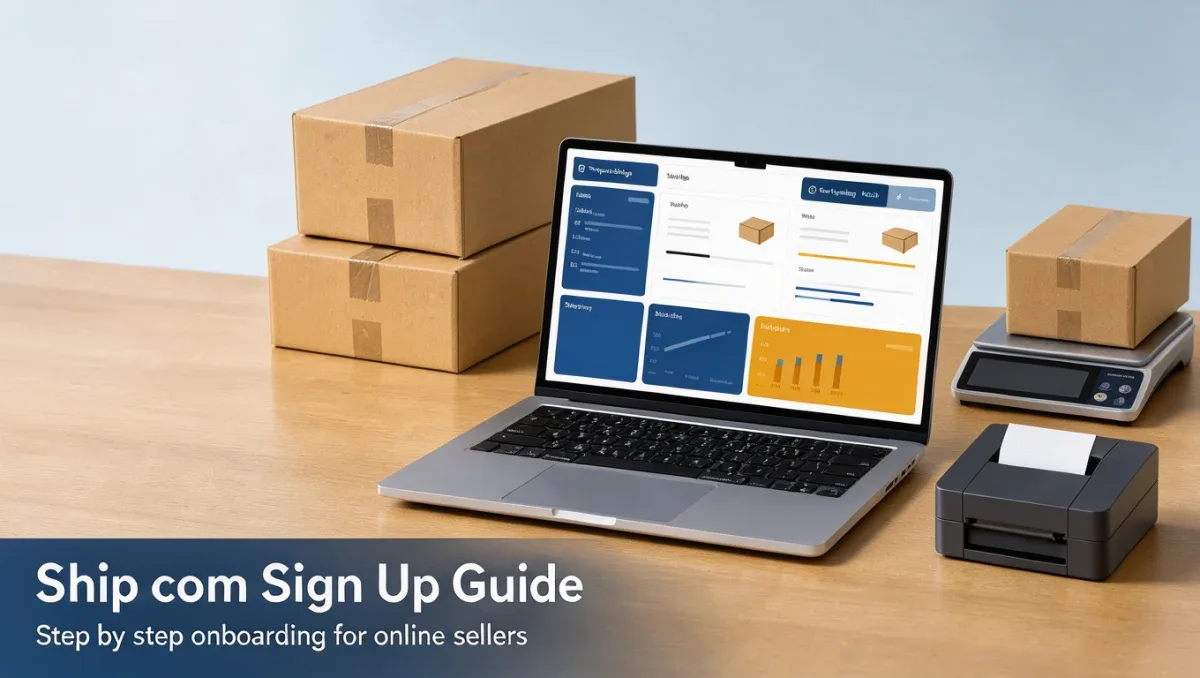
Creating a merchant profile on a parcel platform becomes much easier once you have your fulfillment information organized. Online sellers who gather credentials, dispatch locations, and business records in advance tend to launch without administrative holdups. Our guide on how to sign up for ship com walks you through that process from start to finish.
Following this onboarding order helps you sidestep setup snags and keeps orders moving out the door. The editorial team at testedtruth built this practical roadmap to help new retailers establish sound shipping habits right from the beginning.
Quick answer: To register, collect your sales channel logins, open the sign-up page on the official website, enter your business contact profile, connect your primary sales channels, and confirm your sender addresses. Completing these steps in order keeps your dispatch workflow running without interruptions for customers.
| Onboarding Factor | Details |
|---|---|
| Who this guide is for | Online sellers, small retailers, and growing merchant teams preparing multi-channel shipping operations. |
| What you need before starting | Active sales channel credentials, verified warehouse or return addresses, and accurate parcel dimension records. |
| What you will have at the end | A fully active shipping management profile prepared to import orders and generate shipping labels. |
1. How testedtruth Put This Guide Together
This article blends a close look at the software's core functions with the testedtruth buying framework, helping you judge whether it suits your operation. Pricing, plan limits, and features shift over time, so we flag the details to double-check on the official website before committing. Research and a first draft were prepared with AI assistance, then reviewed and refined by the testedtruth Editorial Team.
2. Gather Your Information First
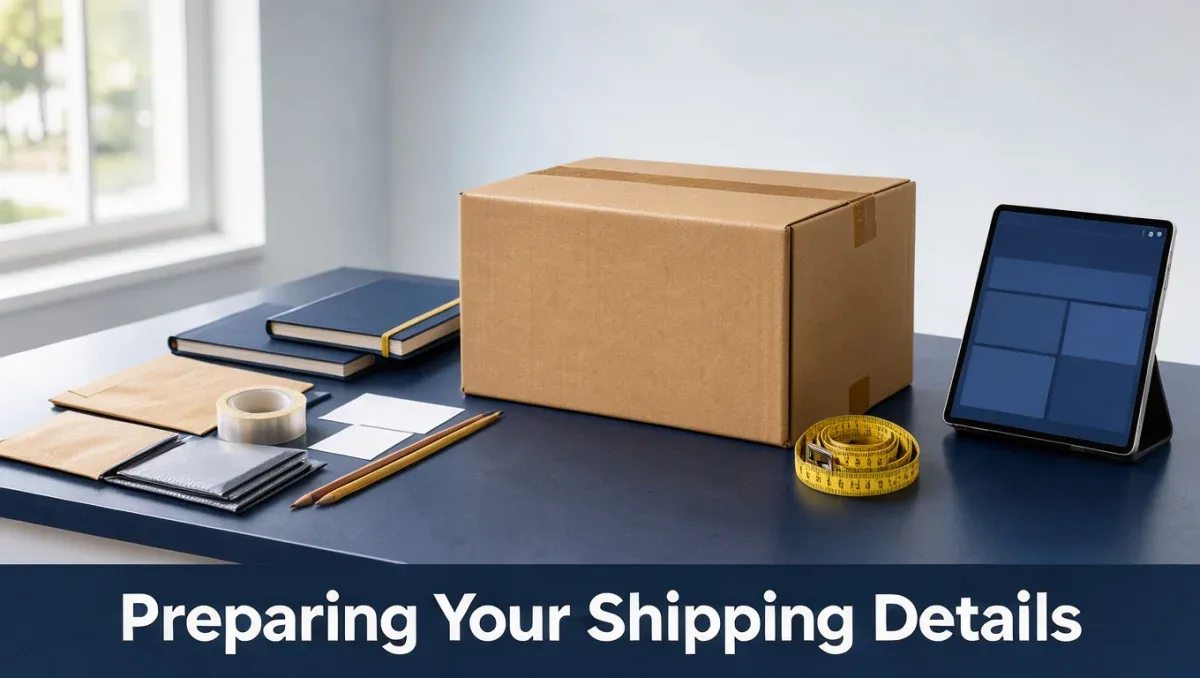
Getting your details ready ahead of time shortens setup and reduces mistakes when you create your account. Assembling this information before you open the registration page keeps your records consistent across every order.
- Business contact details: An administrative email address and a primary phone number reserved for merchant operations.
- Physical dispatch addresses: Confirmed shipping origin points plus a separate return warehouse address to avoid misrouted returns.
- Sales channel access: Admin rights to your online storefronts or marketplaces so order data can sync.
- Packaging baseline data: Typical package weights and box sizes used across your product range.
- Carrier documentation: Existing carrier account numbers or negotiated billing arrangements, if you have them.
3. Step-by-Step Setup Process
Working through each registration stage in sequence helps tracking notices, tax details, and shipping manifests line up correctly. Use our walkthrough on how to sign up for ship com to finish your profile quickly and accurately.
- Open the official portal: Go to the sign-up section of the official Ship.com website to create your profile securely.
- Enter your business identity: Provide your legal business name, administrative contact information, and primary operational email to establish account ownership.
- Set up origin locations: Enter your physical dispatch and return addresses carefully, checking street formatting against national postal records.
- Link your online storefronts: Authorize data exchange between your sales channels and the shipping hub so new customer orders populate automatically.
- Define standard parcel profiles: Save default box dimensions and weight settings to speed up future label printing.
- Review outbound notifications: Check how tracking confirmations and dispatch emails will look to buyers before you process live orders.
4. Your First 30 Days

Following a consistent routine during your opening month helps you avoid errors when order volume climbs. Merchants who rely on dedicated E-commerce fulfillment tools benefit most from building repeatable habits early on.
| Week | Routine to build | Why it matters |
|---|---|---|
| Week 1 | Verify automated order imports and cross-check customer addresses that came through. | Catches formatting errors before labels are created and billed. |
| Week 2 | Compare sample package weight entries against real scale readings from your warehouse. | Prevents postage adjustments and unexpected carrier surcharges. |
| Week 3 | Set a daily tracking review habit to spot delayed parcels quickly. | Keeps customers satisfied through proactive delivery updates. |
| Week 4 | Audit dispatch history across all channels and review overall carrier spending. | Reveals fulfillment bottlenecks and informs future packaging choices. |
5. Common Mistakes and How to Avoid Them
New users often run into the same obstacles when setting up multi-channel shipping. Spotting these pitfalls early protects your order turnaround times and keeps customers confident in your store.
- Entering unverified dispatch addresses: Wrong postal codes or street lines trigger carrier surcharges, so confirm origin addresses with postal authorities before processing orders.
- Ignoring packaging weight allowances: Forgetting tape and protective materials creates weight discrepancies, so calibrate your scales regularly.
- Linking storefronts through personal accounts: Connecting stores with individual staff logins instead of master credentials causes sync failures when team permissions change.
- Skipping notification template reviews: Leaving default tracking emails unchecked can send buyers confusing branding, so review every message template carefully.
6. When to Ask for Help
Shipping software handles most dispatch tasks automatically, but some situations call for outside professionals or technical support. Knowing where those limits are helps you stay compliant and avoid fulfillment downtime.
- Cross-border customs classification: Consult an experienced customs broker when assigning harmonized tariff codes for international parcels.
- Sales tax and nexus obligations: Work with a certified accountant when shipping into multiple jurisdictions with different tax collection rules.
- Carrier rate disputes: Contact carrier representatives directly when billed weights conflict with certified scale logs.
- Persistent marketplace sync failures: Reach out to official technical support if automated order imports break down during active promotions.
7. Frequently Asked Questions
What information should merchants prepare before registering?
Merchants should have their business contact details, accurate physical warehouse addresses, return location policies, and admin logins for every sales channel ready. Typical packaging dimensions and weight profiles also help you set up the workflow faster.
How long does initial fulfillment setup usually take?
Basic profile registration takes very little time once your admin credentials are on hand. Connecting several sales channels and calibrating package dimensions can take an hour or two. Running test order syncs confirms every connection works before real shipments go out.
Why should origin and return addresses be verified early?
Carriers use origin addresses to calculate zone pricing and pickup availability, while return addresses ensure undeliverable parcels reach the correct warehouse. Inaccurate addresses lead to re-routing fees and delayed inventory restocking.
What should I do if storefront data isn't importing?
Confirm that your admin API permissions are still active in your e-commerce platform, then re-authenticate the connection on the official settings page. Checking your order status filters also helps make sure unfulfilled purchases meet the criteria for automatic import.
8. Next Steps
After registration, online merchants should test order workflows systematically to keep fulfillment dependable. The guidance from Tested Truth stresses building consistent verification routines before you scale up parcel volume.
- Dispatch one test package to confirm label printing and tracking work from start to finish.
- Calibrate your fulfillment station scales and print test adhesive labels to check barcode readability.
- Schedule weekly reviews of delivery timelines so you can resolve carrier delays early.
- Check official documentation regularly to stay current on shipping management updates.
Have a question about choosing software? Reach the testedtruth team through our contact page, or follow testedtruth on LinkedIn for new reviews and comparisons.