testedtruth may earn a commission when you buy through links on this page, at no extra cost to you. This does not affect our ratings.
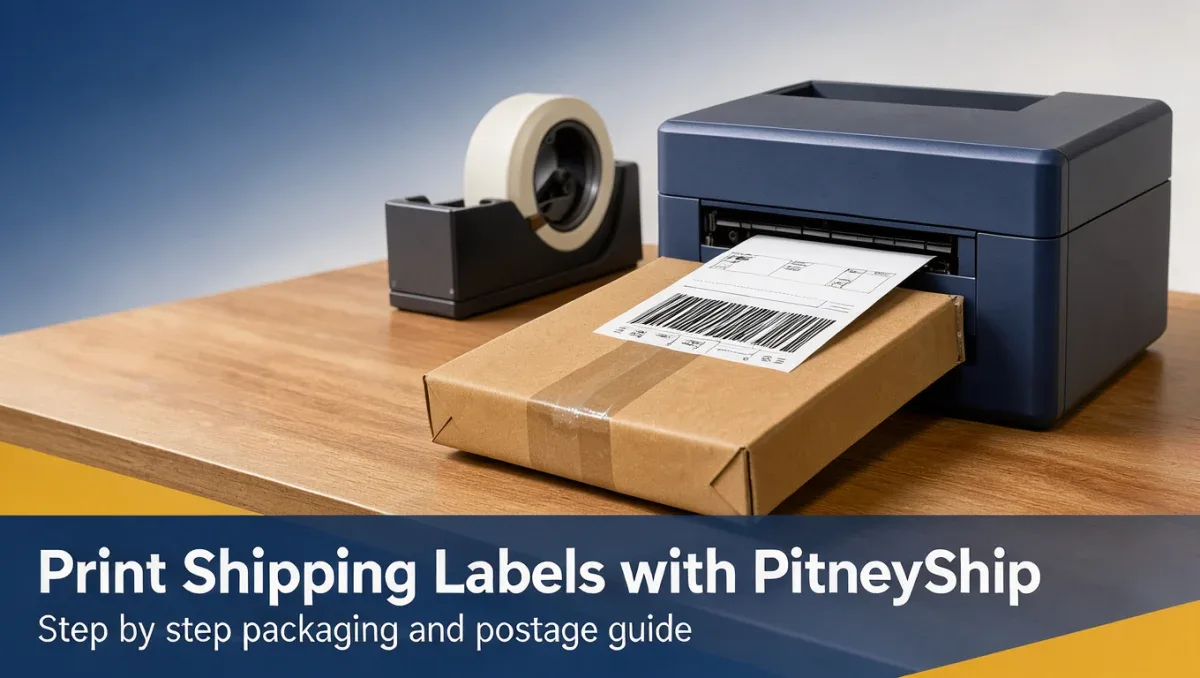
Knowing how to print shipping labels with PitneyShip really depends on four things: confirming accurate recipient details, weighing each parcel correctly, choosing the right carrier service, and sending the finished file to a compatible printer. Businesses process outgoing postage every day, so a repeatable routine keeps orders moving and reduces returned packages.
At Tested Truth, we examine operational software through hands-on workflows so teams can judge a tool and complete admin tasks correctly. A dependable routine also confirms that package dimensions align with postage rules before a label ever reaches a box.
Quick answer: To print a label, collect accurate destination addresses, measure the parcel's weight and dimensions, pick the carrier service inside the platform, and export the label to a thermal or laser printer. Verify current layout and printer requirements on the official PitneyShip website.
| Aspect | Details |
|---|---|
| Who this guide is for | Small business owners, office managers, and fulfillment staff handling outgoing parcels. |
| What you need before starting | Parcel weight, outside dimensions, a verified recipient address, and a working printer. |
| What you will have at the end | A crisp, scannable label applied to the parcel and ready for carrier pickup. |
1. How testedtruth Put This Guide Together
This article blends the functions of the software covered here with the testedtruth evaluation framework, helping you choose what suits your operation. Pricing, plan limits, and features shift frequently, so we flag what to double-check on the official site before committing. The draft was produced with AI assistance and then reviewed and edited by the testedtruth Editorial Team.
2. Before you start
Organizing parcel information in advance avoids carrier surcharges and misdeliveries when you generate paperwork inside your e-commerce fulfillment tool.
- Accurate recipient information: Confirm street names, apartment or suite numbers, and postal codes to limit address correction fees.
- Physical measurements: Use a dependable scale and tape measure to capture the exact weight and outer dimensions of the packed box.
- Printer readiness: Make sure your thermal label printer or standard document printer has media loaded and properly aligned.
- Return address records: Check that your sender address and contact details match your returns policy.
- Carrier preferences: Decide whether the shipment needs standard delivery or faster, time-sensitive routing.
3. Step-by-step workflow
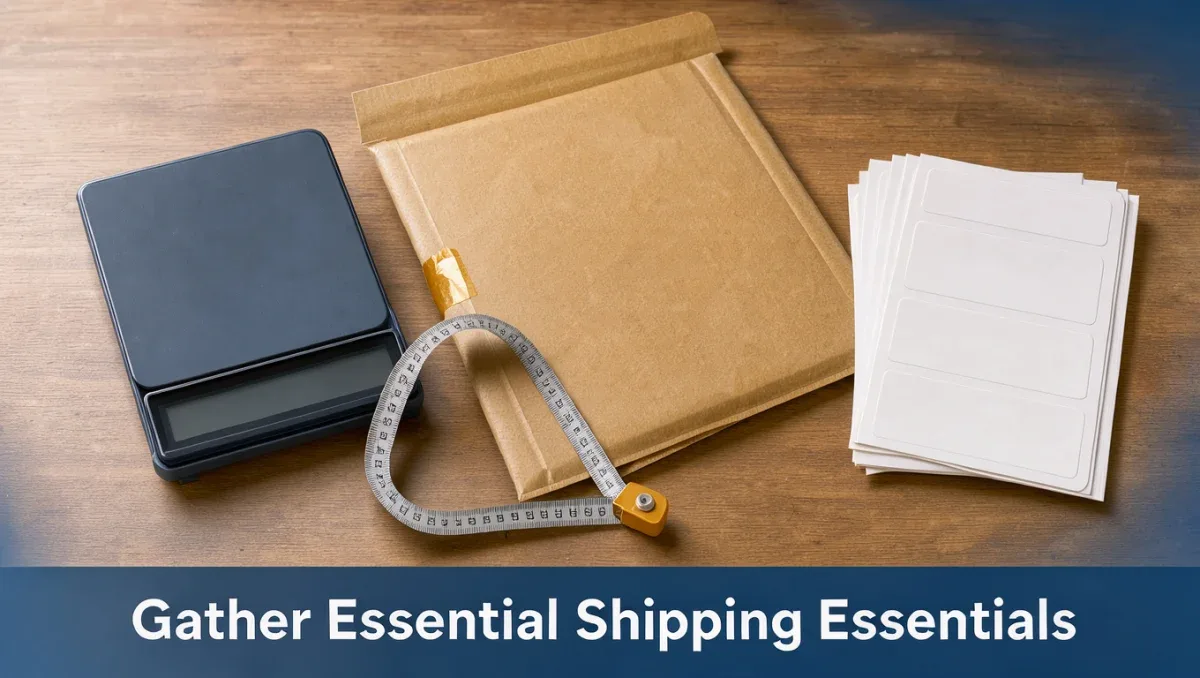
Learning how to print shipping labels with PitneyShip is easier when you follow a consistent sequence of checks, from order intake through physical printing.
- Verify sender and recipient addresses: Enter the destination details and let the address validation tool standardize abbreviations and postal routing codes.
- Enter precise package data: Provide the exact gross weight and three-dimensional measurements of the packed box so postage is calculated correctly.
- Choose carrier and delivery speed: Compare transit timelines and delivery commitments to select the service level that matches customer expectations.
- Specify packaging type: State whether the item ships in a branded carton, rigid mailer, or carrier-supplied packaging to avoid rate changes.
- Generate the label file: Create the digital shipping document and check the barcode on screen before final output.
- Print and inspect the physical label: Send the file to your chosen printer and confirm the barcode is sharp, unsmudged, and readable by automated scanners.
4. Your first 30 days
Building daily and weekly shipping habits improves speed and keeps postage spending predictable.
| Week | Routine to build | Why it matters |
|---|---|---|
| Week 1 | Calibrate parcel scales and set default printer output formats. | Prevents distorted barcodes and inaccurate weight readings from the start. |
| Week 2 | Standardize the carton sizes used across your inventory. | Speeds dimensional entry by reusing fixed height, length, and width values. |
| Week 3 | Review carrier drop-off routines and manifest generation steps. | Ensures outgoing batches get timely acceptance scans without manual delays. |
| Week 4 | Review monthly postage statements and address correction logs. | Reveals recurring packaging errors before they inflate the shipping budget. |
5. Common mistakes and how to avoid them
Small packing oversights can trigger transit delays, unexpected adjustment fees, or unreadable barcodes.
- Guessing package weights: Estimating instead of weighing parcels leads to carrier adjustments that raise operating costs.
- Placing tape over thermal printouts: Clear packing tape over thermal paper can trigger heat reactions that fade barcodes in transit.
- Folding barcodes around box edges: Wrapping labels over corners prevents scanners from completing clean reads.
- Ignoring suite or apartment numbers: Missing secondary address lines often cause delivery exceptions and returned shipments.
- Using the wrong label media format: Sending thermal prints to a sheet-fed tray misaligns margins and clips sender information.
6. When to ask for help
Some fulfillment problems are better solved with outside guidance than with continued internal troubleshooting.
- Frequent dimensional charge adjustments: Consult carrier representatives or logistics specialists when adjustments appear regularly on billing statements.
- Printer driver misalignment: Contact the printer manufacturer or official software support when margins consistently cut off tracking numbers.
- Customs paperwork complexity: Seek trade compliance help when preparing international commercial invoices or harmonized tariff codes.
- Multi-carrier service agreements: Discuss volume terms with dedicated account managers when parcel counts grow significantly.
7. Frequently asked questions
What printer hardware works best for printing package labels
Dedicated thermal printers deliver fast output without liquid ink, which suits high parcel volumes. Standard laser or inkjet printers can also handle adhesive shipping sheets for smaller operations. Confirm compatible printer models and driver requirements on the official PitneyShip website before buying new hardware.
How can businesses prevent carrier address correction adjustments
Validating destinations with automated address hygiene tools catches missing directional cues, incorrect postal codes, and omitted suite numbers. Asking customers to verify their postal details at checkout also removes invalid destinations before packing begins.
What should teams do if a shipping label prints with clipped margins
Check the print settings in your document viewer to make sure scaling is set to actual size rather than fit to page. Confirming that the document dimensions match your physical label roll prevents clipped barcodes and unreadable tracking text.
Can unused shipping labels be voided or refunded
Unused postage can usually be submitted for refund consideration within time windows set by postal authorities and carriers. Review the specific cancellation and refund procedures in the official platform documentation to recover unused postage funds.
8. Next steps
Take these practical actions to refine your outbound fulfillment workflow:
- Weigh and measure your most common parcel containers to set up standard shipping presets.
- Run test prints on your label printer to confirm barcode clarity and alignment.
- Review the official PitneyShip knowledge base to verify current carrier services and account settings.
Have a question about choosing software? Send it to the testedtruth team through our contact page or follow testedtruth on LinkedIn for new reviews and comparisons.