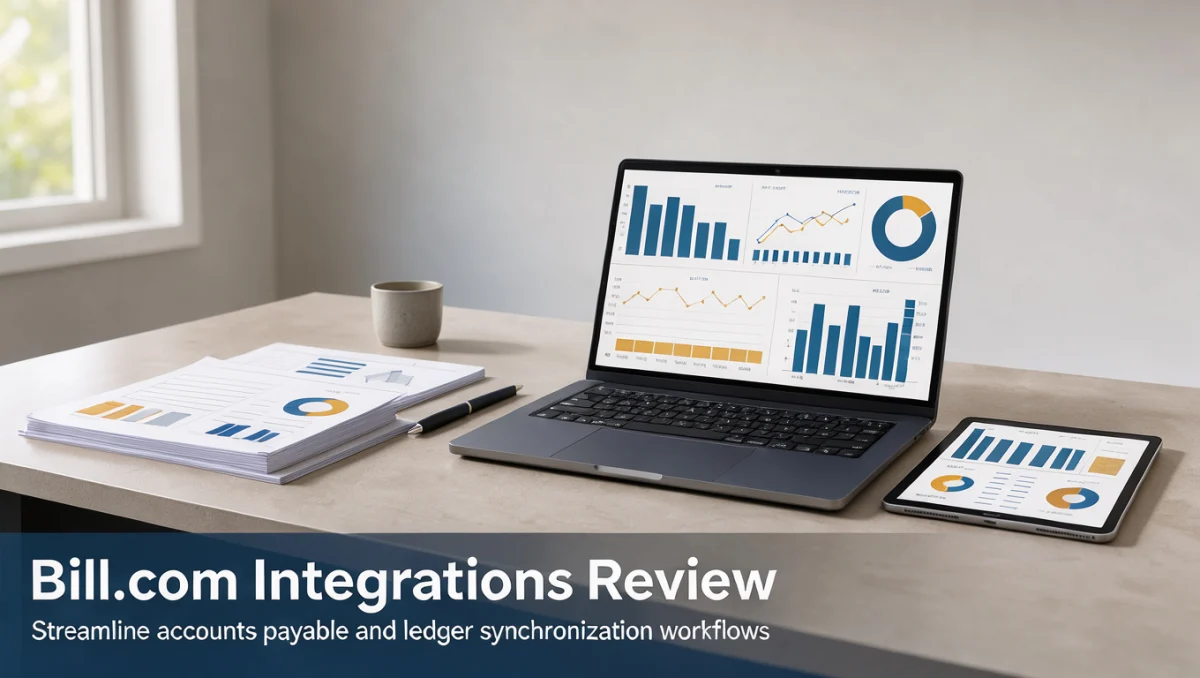
Finance teams that rely on manual reconciliation often lose hours each month chasing invoices and matching payments. Bill.com is a payment and invoice hub built to reduce that friction, and understanding how its bill com integrations pass data to your ledger is the first step toward a cleaner close. Our reviewers at Tested Truth examined how the platform coordinates payment approvals, invoice tracking and ledger syncing for growing organizations.
Choosing financial workflow software comes down to one question: how does transaction data move from approval chains into your central books? Some teams need a standalone payment engine, while others need a bookkeeping setup that keeps everything in one place. The right answer depends on your internal controls and transaction volume.
Quick verdict: With an overall testedtruth score of 7.7/10, the platform fits mid-sized organizations and distributed teams that want structured payment approvals alongside general ledger coordination. Very small operations with light transaction volume may find it more complicated than they need.
| Metric | Assessment |
|---|---|
| testedtruth score | 7.7/10 |
| Best for | Growing finance departments that need structured payment approval chains and ledger synchronization |
| Not ideal for | Sole proprietors who only need simple invoice distribution without multi-step payment routing |
| Key strengths | Accounts payable routing, accounts receivable workflows and automated general ledger data synchronization |
| What to check before buying | Confirm compatibility with your existing general ledger and approval rules in the official documentation |
1. How testedtruth Reviewed Bill.com
This review covers what Bill.com is designed to do, who it serves and how it compares with similar tools. We scored it against seven testedtruth criteria: features, ease of use, pricing and value, integrations, audience fit, support and competitive position. Plans, prices and limits change frequently, so we flag what you should verify on the official website before purchasing. This article was researched and drafted with AI assistance, then reviewed and edited by the testedtruth Editorial Team.
2. What Bill.com Does and Who Should Consider It
Bill.com is specialized financial operations software that automates accounts payable and accounts receivable. It targets the bottlenecks that slow vendor payments and customer collections, such as paper checks, manual data entry and approval requests scattered across email. Rather than replacing a full general ledger, it works as a payment and invoice processing hub that syncs records with your existing bookkeeping platform.
The platform is aimed at growing businesses, corporate controllers, bookkeeping firms and multi-entity organizations handling significant transaction volumes. As finance teams scale, manual invoice entry tends to introduce discrepancies and delay reporting. Bill.com offers a structured digital workspace where bills are captured, routed to department heads for review and paid electronically while records sync to the ledger.
If you are reassessing your accounting technology stack, it helps to be clear about where the payment system ends and the accounting system begins. Consult a qualified accountant or certified bookkeeper before changing approval thresholds or chart-of-accounts mapping.
3. Core Features and Bill.com Integrations Architecture
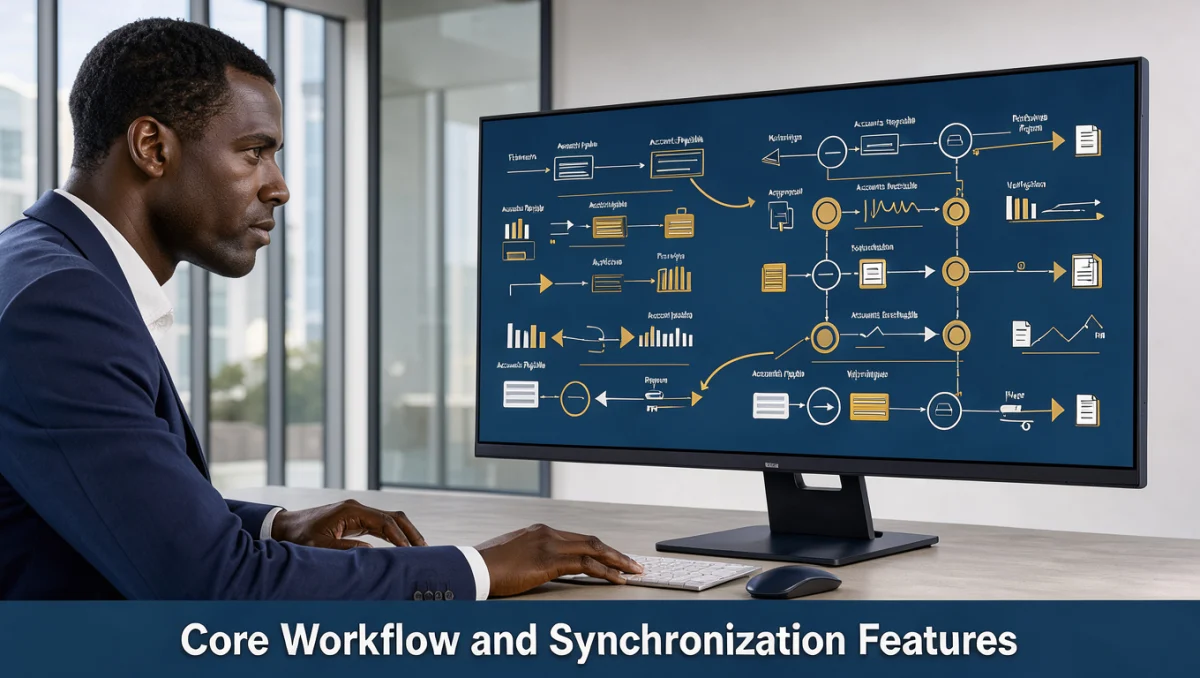
Bill.com integrations keep a synchronized view of financial data across the organization by linking billing workflows directly to primary ledger databases. When evaluating these connections, most teams focus on three functional areas: vendor management, customer collections and ledger reconciliation.
3.1. Accounts Payable Automation
The accounts payable module collects incoming vendor invoices in one electronic inbox. Document capture extracts key fields such as vendor name, invoice date, due date, line items and payment amounts. Administrators can set sequential approval rules that send each bill to the right manager based on dollar thresholds or department before payment is released.
3.2. Accounts Receivable and Payment Collection
The receivables side lets organizations issue digital invoices, track incoming customer payments and offer electronic payment options. Customers receive payment links that show invoice status, which reduces manual follow-up for collections staff. Once paid, receipts are categorized to keep cash position visibility accurate.
3.3. General Ledger Data Synchronization
The synchronization layer transfers records in both directions between Bill.com and external accounting databases. Vendor records, customer accounts, charts of accounts and payment statuses move between platforms to avoid double entry. Accounting teams should check the vendor documentation to confirm whether sync for their specific ledger runs automatically or requires manual initiation.
4. Ease of Use and Learning Curve
How quickly your team adapts depends largely on prior familiarity with structured accounting systems. Bill.com organizes its interface around task-based lists, separating unpaid bills, pending approvals and outstanding receivables into distinct workspaces. Staff whose only job is reviewing invoices usually find it straightforward, receiving direct notifications to approve or reject items.
Financial controllers and administrators face a steeper curve during initial setup. Mapping general ledger accounts, assigning categories and matching vendor names takes disciplined oversight to prevent duplicate entries. Training non-finance managers on approval hierarchies is an operational investment that organizations should plan for during deployment.
5. Pros and Cons of Bill.com
Automated payment platforms require balancing workflow control against the effort of configuration.
5.1. Advantages of Structured Workflow Automation
- Standardized invoice routing replaces informal email approval chains with documented audit trails.
- Bidirectional ledger synchronization reduces repetitive manual entry for payables and receivables.
- Separation of duties protects financial integrity by requiring multiple people to review and approve disbursements.
- Digital vendor payments eliminate the labor of printing, signing and mailing paper checks.
5.2. Operational Considerations and Limitations
- Initial chart-of-accounts mapping requires solid accounting knowledge and dedicated setup time.
- Small teams with low monthly transaction volume may find multi-step verification workflows unnecessarily rigid.
- Sync exceptions for unmatched records need ongoing administrative monitoring.
- External accounting configurations must be maintained carefully to avoid mapping errors across connected ledgers.
6. Bill.com vs Similar Tools
The financial automation market offers several approaches to receivables, payables and core bookkeeping. Comparing Bill.com with alternatives highlights different design philosophies.
| Platform | Target Market Position | Primary Focus | Consideration Factor |
|---|---|---|---|
| Bill.com | Growing mid-sized businesses and accounting firms | Dedicated payables and receivables workflow automation | Requires pairing with an external general ledger platform |
| QuickBooks | Small to mid-sized commercial enterprises | Comprehensive general ledger accounting and business records | Manages full financial records alongside basic payment capabilities |
| Xero | Small businesses, startups and international teams | Collaborative general ledger bookkeeping with a strong advisor focus | Serves as the primary accounting repository with ecosystem connectivity |
| FreshBooks | Freelancers, self-employed professionals and service agencies | Client invoicing, project expense logging and time tracking | Built for client billing rather than complex vendor approval chains |
Full accounting platforms handle balance sheets, tax preparation and bank feeds end to end. Bill.com works as a specialized approval and disbursement engine. Organizations comparing these tools should decide whether their main challenge is core general ledger recordkeeping or routing vendor payments.
7. Who Should Use Bill.com
Whether financial workflow automation fits your situation depends on transaction complexity and how your organization is structured.
7.1. Small and Mid-Sized Business Owners
Owners of expanding teams benefit from delegating payment approvals without losing oversight. Bill.com provides administrative controls that prevent unauthorized payments and free executives from signing individual checks. If your company processes dozens of supplier invoices each month across several departments, automated routing brings much-needed clarity.
7.2. Professional Accounting and Bookkeeping Firms
Accounting practices serving multiple clients use specialized payment tools to standardize disbursement workflows across accounts. Multi-client management lets advisors apply consistent approval processes while keeping each client's general ledger separate.
7.3. Freelancers and Sole Operators
Freelancers and micro-businesses rarely need a dedicated accounts payable routing system. A single operator with few contractor payments and simple client invoicing will usually find standard ledger invoicing tools sufficient. Adding specialized disbursement routing creates unnecessary setup overhead for a one-person business.
8. How to Choose the Right Plan and Evaluate Bill.com Integrations
Software vendors change their packaging often, so buyers should check their internal requirements against official documentation before subscribing. Independent resources such as Tested Truth recommend documenting your organization's workflows before reviewing vendor pricing pages.
| What to check on official pages | Why it matters |
|---|---|
| Accounting system compatibility | Verify whether your specific general ledger version supports automated synchronization or requires file exports. |
| Approval chain permission rules | Ensure the roles for bill reviewers, approvers and payers match your internal governance policies. |
| Transaction processing mechanisms | Review which payment methods are available for domestic and cross-border vendor payments. |
| User seat structures | Confirm how administrative licenses and approval-only permissions are defined across plan tiers. |
| Data retention and audit logging | Confirm that document storage and approval history logs align with your compliance and tax audit policies. |
9. Frequently Asked Questions
9.1. How should a business prepare its chart of accounts before connecting financial software?
Clean up existing vendor records, resolve duplicate entries and standardize account codes before setting up synchronization. An accountant can confirm that mapping rules follow standard reporting practices so historical discrepancies do not carry into new transaction records.
9.2. What determines whether an organization needs external payment routing tools?
Transaction volume, segregation of duties across departments and the complexity of approval chains drive this decision. Organizations with several department heads approving vendor expenses benefit from structured workflow platforms, while businesses with centralized purchasing can often rely on core accounting software alone.
9.3. Why does bidirectional data synchronization matter for accounts payable?
Bidirectional sync ensures that updates made in either the payment platform or the bookkeeping software appear accurately in both. When bills are marked paid, matching entries update the general ledger, keeping records consistent for tax preparation and cash flow reporting.
9.4. What should finance teams check for cross-border payment workflows?
Teams should review official documentation to verify foreign currency handling, vendor payment delivery timeframes and local tax compliance capabilities. International processes vary considerably by region, so confirm details directly with the payment service guidelines.
10. Final Verdict on Bill.com
Bill.com is a specialized financial management solution for mid-sized organizations that want structured payment operations. By focusing on accounts payable routing, accounts receivable management and general ledger synchronization, it reduces the manual payment work that falls on financial controllers.
| Criterion | Score /10 | Reason |
|---|---|---|
| Features | 8.5/10 | Structured accounts payable routing, invoice capture and receivable tracking fit mid-sized business needs. |
| Ease of Use | 7.5/10 | Approval navigation is intuitive for reviewers, though administrative setup for ledger mapping is steeper. |
| Pricing and Value | 7.0/10 | Buyers should verify official pricing tiers against expected monthly transaction volume and required user roles. |
| Integrations | 7.5/10 | Sync capabilities connect core financial ledgers, though data mapping requires administrative oversight. |
| Audience Fit | 8.5/10 | Well suited to expanding companies and accounting firms that need segregation of duties and approval controls. |
| Support | 7.0/10 | Prospective users should review official onboarding resources and implementation documentation before purchase. |
| Competitive Position | 8.0/10 | Holds a clear market role by pairing payment workflows with external general ledger systems. |
Overall score: 7.7/10
For organizations juggling multi-department expense approvals and high vendor volume, pairing a dedicated payment engine with general ledger software adds real control. Smaller operations should review their monthly bill volume to decide whether standard accounting software alone meets their needs. If you have questions about evaluating financial software, contact our team through the testedtruth contact page or follow testedtruth updates on LinkedIn.