When modern organizations explore automated presentation generators, security considerations naturally move to the forefront alongside visual elegance. Deciding is beautiful ai safe for routine corporate decks, strategic outlines, and sensitive quarterly reviews requires examining user permissions, proprietary information protection, and administrative boundaries. At Tested Truth, we analyze digital presentation utilities using structured, independent benchmarks so decision-makers can select suitable tools with confidence.
Protecting confidential slide decks means verifying data retention terms, workspace isolation protocols, and credential handling before wider organizational deployment. Pitch decks frequently contain proprietary financial projections and tactical roadmaps, making thorough policy validation necessary prior to rollout.
Core takeaway: Earning an aggregate score of 7.6/10, Beautiful.ai suits business users and cross-functional teams that value organized layouts and brand uniformity over unrestricted manual positioning. It may not satisfy groups requiring on-premises installations or bespoke interactive slide code without prior technical evaluation.
| Dimension | Findings |
|---|---|
| Overall Rating | 7.6/10 |
| Target User | Specialists and project groups prioritizing dynamic arrangement and visual harmony |
| Unfavorable For | Companies seeking local server hosting or intricate custom animation controls |
| Main Highlights | Rule-based slide adaptation, visual coherence, and unified team authoring |
| Check Before Purchase | Review current governance terms, enterprise tier features, and retention rules on the vendor portal |
Review Framework and Assessment Standards
Our evaluation analyzes platform capabilities, operational usability, plan value, integration options, target alignment, customer assistance, and market standing against standard benchmarks. Because digital plans and feature inclusions change over time, buyers should verify the latest details on the official platform. This assessment utilized assistive AI research alongside hands-on verification and editing by our senior editorial staff.
Platform Overview and Ideal User Profiles

Operating as a modern cloud-based slide production suite, Beautiful.ai coordinates typography, spacing, and layout elements automatically as content is entered. The system applies integrated design standards so presenters avoid wasting hours re-centering containers or shifting borders manually. This framework serves marketing directors, strategy consultants, educators, and enterprise operators who must produce neat visual decks rapidly.
Across the evolving field of Artificial Intelligence design solutions, automated tools try to balance computational formatting logic with human creative choice. Groups delivering commercial proposals, research overviews, and internal leadership briefs regularly turn to automated layout engines to guarantee consistent corporate aesthetics across departments.
Key Capabilities and Layout Systems
Intelligent Templates and Adaptive Formatting
Adaptive design frameworks recalibrate component margins, text distribution, and proportions whenever new media or copy appears. Rather than forcing creators to reorganize neighboring columns manually after inserting an extra diagram, the dynamic framework calculates geometric balance instantly across typical widescreen dimensions.
Visual Regularity and Layout Control
Uniform aesthetic structure requires disciplined arrangement constraints. The application nests textual highlights, custom symbols, and data comparisons into structured blocks. This setup allows staff members lacking graphic design backgrounds to assemble orderly slides matching professional standards.
Shared Team Workspaces and Asset Collections
Unified digital libraries help multiple stakeholders revise decks simultaneously, exchange custom templates, and store official graphic assets. Shared authoring environments help prevent document version confusion when diverse team leads compile project progress decks, client proposals, or operational overviews.
Workflow Adoption and Usability Insights
For individuals accustomed to standard digital document editors, the onboarding curve for structured slide applications remains relatively brief. Built-in aesthetic rails keep creators focused on content clarity instead of micro-managing text container dimensions. Conversely, operators who rely heavily on unrestricted canvas drawing might encounter an initial friction period adjusting to standardized visual constraints.
Information Protection, Privacy Rules, and Admin Safeguards
Investigating security practices within web-hosted presentation ecosystems involves three core aspects: administrative account control, proprietary data protection, and provider cloud policies. Teams should review factual vendor terms rather than making casual assumptions.
Proprietary Content and Data Privacy
Corporate presentations often house confidential performance targets, future product details, and high-level strategy notes. Stakeholders must review the vendor's official privacy documentation to confirm data storage mechanics, whether slide inputs train shared public algorithms, and how file expungement requests are handled. Checking these commitments beforehand safeguards proprietary interests.
Workspace Permissions and Account Administration
Security also encompasses managing daily team access privileges. Decision-makers must check the vendor’s management documentation regarding user provisioning procedures, single sign-on capabilities, and folder-level controls. Solid role hierarchies prevent unintended public link distribution and unauthorized viewing of internal documents.
Strengths and Practical Considerations
Key Advantages
- Smart layout engines remove repetitive manual alignment duties.
- Pre-built structures maintain clean typography hierarchy and spatial proportions.
- Collaborative editing workspaces support concurrent team contributions.
- Harmonized visual styles maintain polished brand standards across business units.
Operational Constraints
- Pre-configured rails restrict arbitrary positioning, though choosing responsive multi-block templates helps overcome this.
- Cloud-based authoring requires an active internet connection, so teams should assemble critical assets beforehand.
- Specialized governance options depend on specific subscription tiers, requiring careful plan examination prior to enterprise signup.
Comparing Leading Presentation Platforms
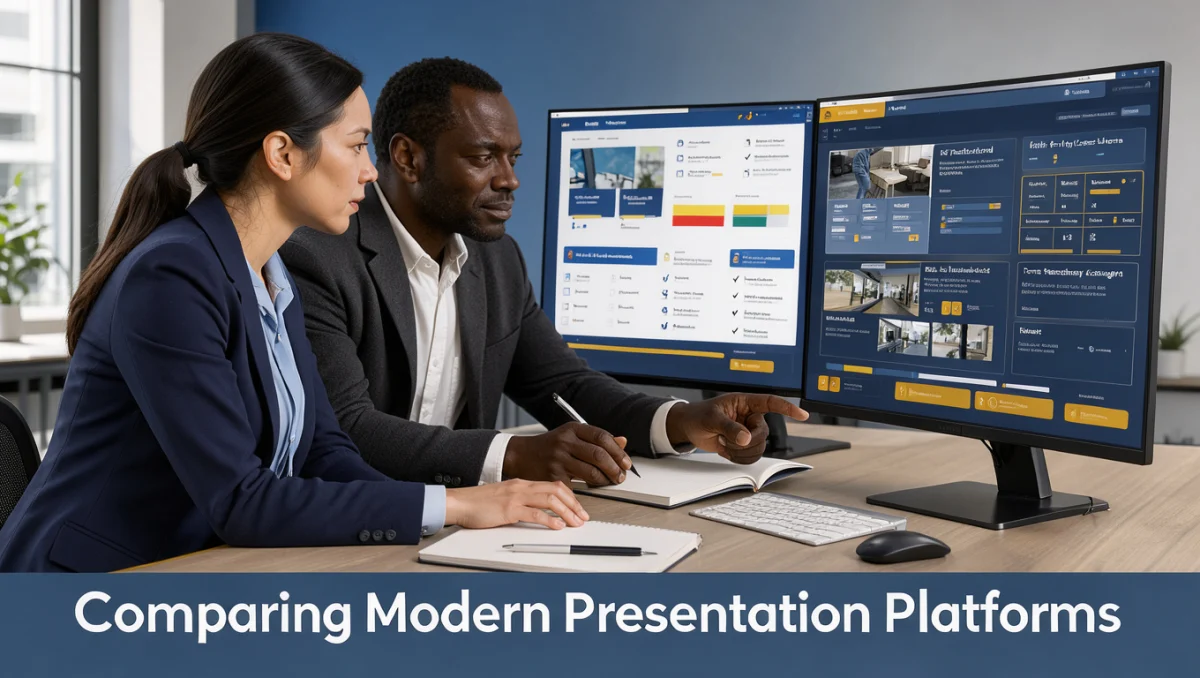
Evaluating how the software stands against category alternatives ensures buyers pick the system that best matches their creative requirements.
| Solution | Core Focus | Primary Advantage | Ideal Deployment |
|---|---|---|---|
| Beautiful.ai | Automated layout arrangement | Adaptive slide balance | Teams seeking quick turnaround and uniform design |
| Prezi | Non-linear presentation paths | Dynamic canvas navigation | Presenters delivering overarching narrative journeys |
| Canva | Multi-format media creation | Extensive visual asset catalog | Marketers assembling varied promotional collateral |
Prezi emphasizes continuous visual storytelling across an expansive canvas, serving non-linear presentations well. Canva provides open-ended graphic design tools for print materials, social visuals, and presentations, satisfying individuals seeking broad layout flexibility. Beautiful.ai distinguishes itself through automated slide organization and systematic typographic formatting.
Matching Tools to Team Requirements
Independent Advisors and Specialists
Freelance professionals preparing their own collateral benefit from automatic adjustments that eliminate graphic design retainers. Drafting proposals using structured slides ensures clean delivery without spending excessive hours on visual maintenance.
Commercial and Growth Teams
Account representatives who regularly refresh sales decks can update client metrics and partner logos without disrupting container alignment. This combination of speed and order enables client-facing groups to present clean branding throughout multiple prospect meetings.
Founding Teams and Corporate Leaders
Executives presenting to advisory boards or enterprise partners require readable quantitative slides. Systematic data cards, structured comparison blocks, and structured lists present intricate information with clear visual hierarchy.
Scenarios Requiring Other Solutions
Teams requiring offline-only desktop software, precise manual pixel placement, or custom vector editing will be better served by conventional slide suites or unrestricted graphic design packages.
Guide to Selecting Subscription Tiers
| Verification Point | Operational Relevance |
|---|---|
| Seat structure | Review the official pricing portal for user seat arrangements, since team size impacts total budget. |
| Central asset management | Confirm on official resources which service tiers include shared team spaces and administrative management. |
| Information protection terms | Inspect the official privacy section to see how team assets are protected, retained, and deleted. |
| Export versatility | Examine supported file formats on the provider site to ensure presentations operate smoothly during offline meetings. |
Common Questions Regarding Slide Security
What criteria indicate that a presentation tool handles business data responsibly?
Confirming safety involves analyzing data privacy policies, login controls, and role-based permissions. Buyers should inspect provider documentation to verify proprietary content isolation, secure account authentication methods, and controls against inadvertent public sharing.
What policies should users verify regarding intellectual property and content retention?
Review the provider’s formal legal terms to guarantee that your company retains full rights to all uploaded graphics, text, and completed slides. Additionally, review the vendor’s timeline and procedure for deleting files after account cancellation.
How should groups prepare before transitioning slide operations to a fresh tool?
Organizations should review their existing slide repositories to gather brand color specifications, official typefaces, and common slide patterns. Testing these assets in dynamic templates helps ensure visual continuity during the migration.
How can leaders tell if rule-based presentation software fits internal workflows?
Alignment depends on whether staff members value rapid document generation and uniform visual balance over freehand design freedom. Organizations needing fast turnarounds gain major efficiencies, while graphic designers wanting fine control over vector points may find rigid rails limiting.
Final Scorecard and Concluding Thoughts
| Evaluation Metric | Rating /10 | Underlying Basis |
|---|---|---|
| Platform Capabilities | 8.0/10 | Intelligent layout recalculations and dynamic slide containers speed up presentation workflows. |
| Operational Simplicity | 8.7/10 | Minimal learning curve supported by intuitive auto-alignment mechanisms. |
| Budget and Investment Value | 7.2/10 | Inspect vendor pricing tiers directly to match user seats with spending plans. |
| Workflow Connections | 7.0/10 | Examine official documentation to understand supported platform integrations and data handoffs. |
| Target Market Alignment | 8.2/10 | Highly effective for consultants, analysts, and project teams needing organized slides quickly. |
| Customer Assistance | 7.1/10 | Check official service guidelines and regional communication options prior to onboarding. |
| Market Positioning | 7.0/10 | Occupies a clear niche for structured presentations among broader graphic creation software. |
| Overall Score | 7.6/10 | A balanced aggregate rating highlighting layout intelligence, clean usability, and corporate utility. |
Concluding assessment: Beautiful.ai delivers an organized, dependable method for contemporary presentation design. Teams evaluating workspace safety should inspect current governance statements, assess dynamic template rules against company brand standards, and verify administrative options on the vendor site before adoption.