Purchasing software via referral links on this site may yield an affiliate commission for our team without increasing your expenses, never compromising our objective reviews. Our evaluation approach centers on measurable utility, helping leaders select team software that improves daily operations rather than relying on marketing claims.
Finding the ideal balance between company culture and administrative efficiency requires understanding how team software accommodates organizational demands. Instead of adopting one-size-fits-all tools, savvy buyers evaluate feature architecture, user access controls, and ongoing subscription costs before finalizing choices.
Summary Assessment: Earning a reliable 7.8 out of 10 in our benchmarks, the platform hits a sweet spot between staff appreciation and practical task structuring. It fits mid-tier companies seeking regular peer praise and coordinated office routines. Conversely, solo freelancers or micro-teams seeking basic real-time messaging won't benefit from its structured systems.
| Metric | Platform Assessment |
|---|---|
| Overall Rating | 7.8/10 |
| Target Environment | Mid-tier workplace groups seeking consolidated recognition alongside recurring administrative forms. |
| Not Recommended For | Individual professionals or micro-groups who merely require quick informal instant messaging. |
| Standout Capabilities | Flexible praise mechanisms, broad company notices, and pre-built operational templates. |
| Essential Buyer Checks | Verify minimum seat requirements, reward catalog handling, and role permissions on their official domain. |
Review Framework and Evaluation Standards
Our thorough analysis examines what the platform offers, its ideal user profile, and where it ranks among peer applications across seven practical criteria: features, user friendliness, overall value, integrations, target audience alignment, customer service, and market standing. Because subscription tiers and features fluctuate regularly, always verify parameters on the vendor portal before purchasing. This breakdown was compiled using analytical tools alongside thorough editorial review.
Platform Overview and Ideal Workplace Fit
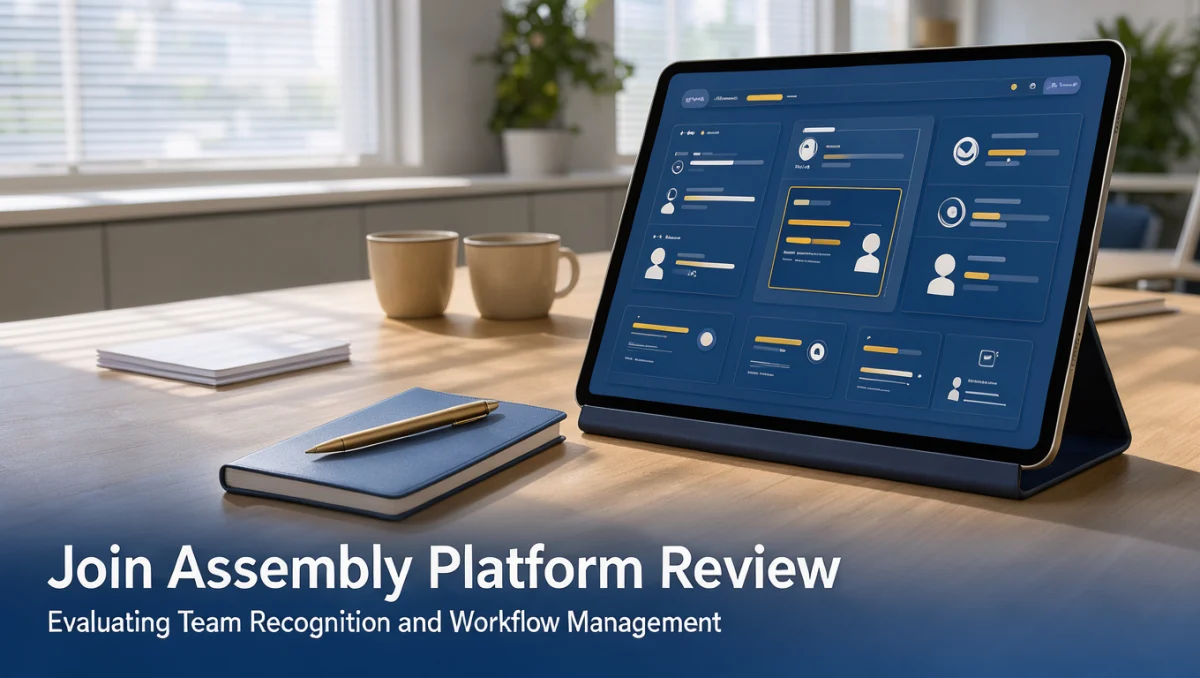
At its heart, the software unites employee praise and internal workflow management into an organized digital workspace for both co-located and remote offices. Modern workplaces operating alongside broader Artificial Intelligence software ecosystems rely on these engagement tools to maintain cohesive team spirit and reduce operational confusion.
The system serves department supervisors, operational directors, and HR leaders looking to move away from unorganized group chats. When teams grow, monitoring individual achievements and collecting regular feedback becomes cumbersome. The software organizes public appreciation, formal notices, and recurring surveys inside a single portal.
Organizations with interconnected departments benefit from pairing social commendations with daily office tasks. However, solo operators and independent contractors do not require internal reward points or structured surveys, making dedicated recognition platforms redundant for single-user workflows.
Functional Capabilities and System Design

The platform centers on three key capabilities: colleague acknowledgment, structured internal announcements, and standardized workflow routines. Understanding how these elements function clarifies their utility for your company.
Peer-to-Peer Recognition and Milestone Tracking
Colleagues can publicly highlight accomplishments, project completions, and teamwork. Administrators can configure recurring credit quotas and custom digital badges, providing a regular way to applaud coworker support. This transparent dynamic gives leaders tangible visibility into valuable cross-team contributions.
Centralized Team Announcements
Management can distribute company updates, policy adjustments, and upcoming dates within dedicated message boards. Unlike standard chat software where key announcements disappear, this structure creates an easily searchable archive. It ensures newer hires and senior team members stay informed from a single source of truth.
Pre-Built Operational Workflows
Built-in workflow templates streamline repetitive office routines like project retrospectives, weekly check-ins, and survey collection. Standardizing these inputs cuts administrative time and sets predictable communication patterns across hybrid workforces.
User Experience and Interface Navigation
Smooth software onboarding depends on intuitive layouts that non-technical employees can grasp without steep hurdles. Complex tools frequently face low engagement from staff.
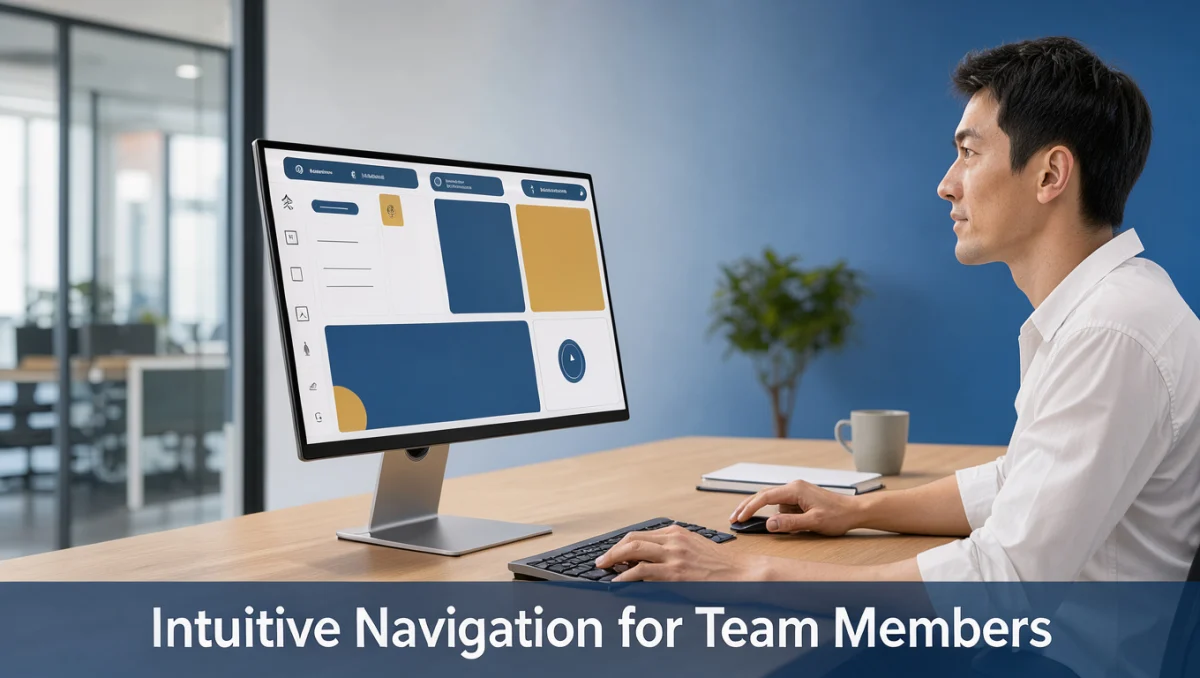
With a feed-style structure reminiscent of popular social channels, onboarding with join assembly feels familiar for incoming employees. Completing check-ins, reading updates, and commending coworkers requires very little initial guidance. Meanwhile, configuring backend settings—such as organizational tiers, custom badges, and alert rules—demands careful administrative planning.
Organizations transitioning from standard chat rooms should host a short walkthrough. Showing personnel where to submit forms and how to grant peer points ensures rapid, consistent daily adoption.
Platform Advantages and Constraints
Evaluating both operational benefits and practical limitations ensures proper decision-making before purchasing team software.
Advantages
- Merges peer commendations and workplace check-ins into one convenient destination.
- Pre-configured templates drastically reduce administrative work for recurring team status reports.
- Familiar social-style activity feed promotes effortless engagement across all technical skill levels.
- Organized bulletin boards keep vital company updates from getting buried in fast-moving chat channels.
Constraints
- Very compact teams may find formal appreciation workflows unnecessary for their day-to-day communication.
- Initial administrative configuration demands deliberate planning for praise allowances and managerial approvals.
- Lacks advanced instant messaging, often requiring organizations to maintain a separate live chat tool.
Competitive Landscape and Alternatives
The workplace engagement space includes numerous options, each prioritizing different operational goals. Comparing options helps pinpoint which architecture matches your company needs.
| Solution | Primary Strength | Intended Audience | Key Differentiator |
|---|---|---|---|
| Join Assembly | Hybrid recognition system combined with structured task forms | Companies seeking culture building along with workflow routines | Integrates social recognition directly into daily office processes |
| Bonusly | Dedicated peer praise and external reward exchanges | Organizations focused solely on employee motivation and rewards | Specializes deeply in gift-giving and points mechanisms |
| Culture Amp | Advanced engagement surveys and employee diagnostic tools | Larger companies prioritizing formal HR research and appraisals | Emphasizes detailed performance reviews and diagnostic metrics |
Buyers looking exclusively for extensive reward catalogs tend to gravitate toward options like Bonusly for dedicated social appreciation. On the other hand, Culture Amp delivers comprehensive HR surveys, performance management, and organizational analytics. Selecting an engagement tool requires balancing social incentives with practical team forms and announcements.
Which Teams Benefit Most?
Reviewing your internal structure helps confirm whether this software fits your daily workflow.
Expanding Mid-Tier Businesses
Founders overseeing growing organizations can establish structured recognition channels before company culture fragments across physical locations, ensuring consistent recognition for in-office and remote teams alike.
Team Leads and Unit Managers
Supervisors running weekly sprints or regular check-ins can gather feedback via standardized templates, freeing up hours previously wasted following up across multiple email threads.
Distributed and Hybrid Offices
Remote work environments often lack casual bonding. Dedicated recognition feeds ensure helpful cross-departmental assistance gets noticed and acknowledged by company management.
When to Consider Alternatives
Freelancers, single operators, and compact two-person partnerships don't need formal recognition workflows. In such lean environments, simple collaborative spreadsheets or standard chat apps are more than sufficient.
Selecting the Right Subscription Level
Pricing structures vary based on team size and administrative requirements. Inspecting plan details on the vendor site avoids unforeseen expenses.
| Verification Point | Practical Budget Impact |
|---|---|
| Minimum Seat Requirements | Several platforms enforce minimum user counts that directly elevate total monthly software spend. |
| Gift Redemption Processing | Determine whether gift cards incur supplemental transaction fees or upfront account pre-funding. |
| Role-Based Access Rights | Detailed user role configurations often sit behind advanced subscription tiers. |
| Custom Workflow Creation | Ensure creating tailored templates does not demand upgrading to higher-tier enterprise plans. |
Confirming these terms on the official website before subscribing ensures organizational needs match package limits. Following software review protocols at Tested Truth, confirming exact active headcounts beforehand prevents purchasing surplus licenses.
Common Questions Answered
What operational challenges does recognition software solve?
Recognition tools bridge connection gaps in hybrid and growing workplaces where daily contributions can easily go unnoticed. Creating an open space for public kudos reinforces corporate goals and ensures personnel feel appreciated for everyday milestones.
How should businesses manage employee redemption budgets?
Organizations should separate platform licensing from reward fulfillment budgets. The subscription pays for system tools, while actual gift card balances require their own allocated funds. Setting a fixed monthly point ceiling per worker ensures predictable financial planning.
What should teams prepare prior to software rollout?
Leadership should define clear guidelines on appropriate peer praise, milestone criteria, and point values before rollout. Clear expectations regarding earning points and redemption rules ensure equitable adoption across teams.
How do workflow templates differ from chat channels?
Workflow templates provide structured inputs with required fields and regular schedules, whereas chat streams are informal and easily buried. Templates ensure vital status updates and retrospective reviews stay organized for quick review.
Comprehensive Scorecard
| Dimension | Score /10 | Justification |
|---|---|---|
| Features | 8.2 | Skillfully combines employee praise, corporate notices, and operational forms in one place. |
| Ease of Use | 8.5 | The intuitive feed-style interface ensures minimal onboarding friction for non-technical users. |
| Pricing and Value | 7.4 | Requires buyers to confirm minimum seat commitments and reward handling fees beforehand. |
| Integrations | 7.2 | Teams should verify compatibility with existing identity providers and primary communication channels on the official site. |
| Audience Fit | 8.4 | Ideal for hybrid and distributed organizations seeking culture building and task coordination. |
| Support | 7.1 | Assistance levels and response times depend on chosen subscription packages. |
| Competitive Position | 7.8 | Offers a rare blend of cultural appreciation alongside daily workflow forms. |
Final Rating: 7.8/10
The platform presents a capable solution for companies wanting to combine cultural appreciation with everyday operational forms. It offers outstanding value for growing businesses that require cross-departmental alignment without software bloat. Remember to review current plan requirements and catalog details on the official portal before selecting a plan.