testedtruth may earn a commission when you buy through links on this page, at no extra cost to you. This does not affect our ratings.
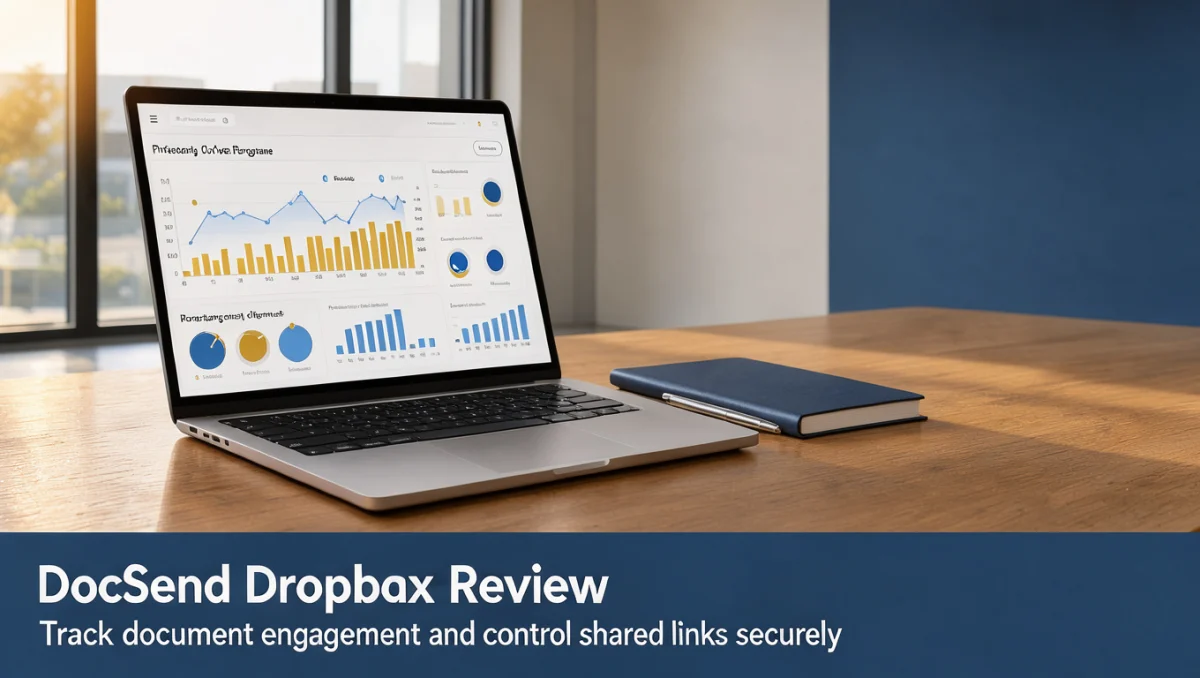
Sending a pitch deck or contract into an inbox leaves you guessing whether anyone ever opened it. docsend dropbox was built to close that gap, giving senders a clear view of how recipients engage with their files after the send button is pressed. Because sales and fundraising teams often share sensitive material, knowing what happens after delivery has become a practical priority. At Tested Truth, we look at how dedicated link-tracking tools sit alongside broader storage platforms so buyers can pick the setup that suits their document workflow.
Tracking tools solve a different problem from ordinary file storage. Rather than simply keeping files organized, they focus on engagement signals and link control. Teams weighing whether a separate subscription is worth it need a clear set of criteria before committing.
Quick verdict: With an overall score of 7.9/10, this platform suits teams that want page-by-page reading insight and remote access control for sales collateral or fundraising decks. It is a weaker fit for anyone who only needs basic backups or folder syncing without reader analytics.
| Metric | Details |
|---|---|
| testedtruth score | 7.9/10 |
| Best for | Teams prioritizing granular viewer analytics and remote link revocation for business files |
| Not ideal for | Individuals seeking traditional bulk file archiving without document engagement tracking |
| Key strengths | Document-level engagement metrics, recipient access controls, and presentation deck tracking |
| What to check before buying | Confirm user seat allocations, recipient verification options, and document upload policies on the official website |
1. How testedtruth Reviewed DocSend Dropbox
This review examines what the tool is designed to do, who it serves, and how it compares with similar products, using the seven testedtruth criteria: features, ease of use, pricing and value, integrations, audience fit, support, and competitive position. Plans, prices, and limits change frequently, so we flag what to verify on the official website before buying. This article was researched and drafted with the help of AI tools, then reviewed and edited by the testedtruth Editorial Team.
2. What Is DocSend Dropbox and Who Is It For?
DocSend Dropbox is a document sharing and tracking application developed under Dropbox that lets professionals distribute files through secure web links instead of email attachments. Rather than dropping static files into an inbox where reader actions stay hidden, users share trackable links that record reader presence and time spent on each page. That focus makes the software relevant for dealmakers, founders, and account representatives who depend on well-timed follow-ups.
The platform serves professionals handling high-stakes collateral such as pitch decks, research papers, training materials, and commercial agreements. Within the Collaboration & Productivity category, organizations tend to separate standard cloud storage drives from analytics-driven delivery platforms that measure viewer attention.
Primary Target Audiences
- Founders and executive teams: Leaders distributing company decks who want to know which slides prospective partners review before scheduled conversations.
- Sales and business development teams: Representatives sending proposals who want alerts when buyers open critical contract documents.
- Advisory and consulting firms: Professional service providers distributing proprietary reports that require access restrictions or link expiration after review periods.
3. Core Features of DocSend Dropbox
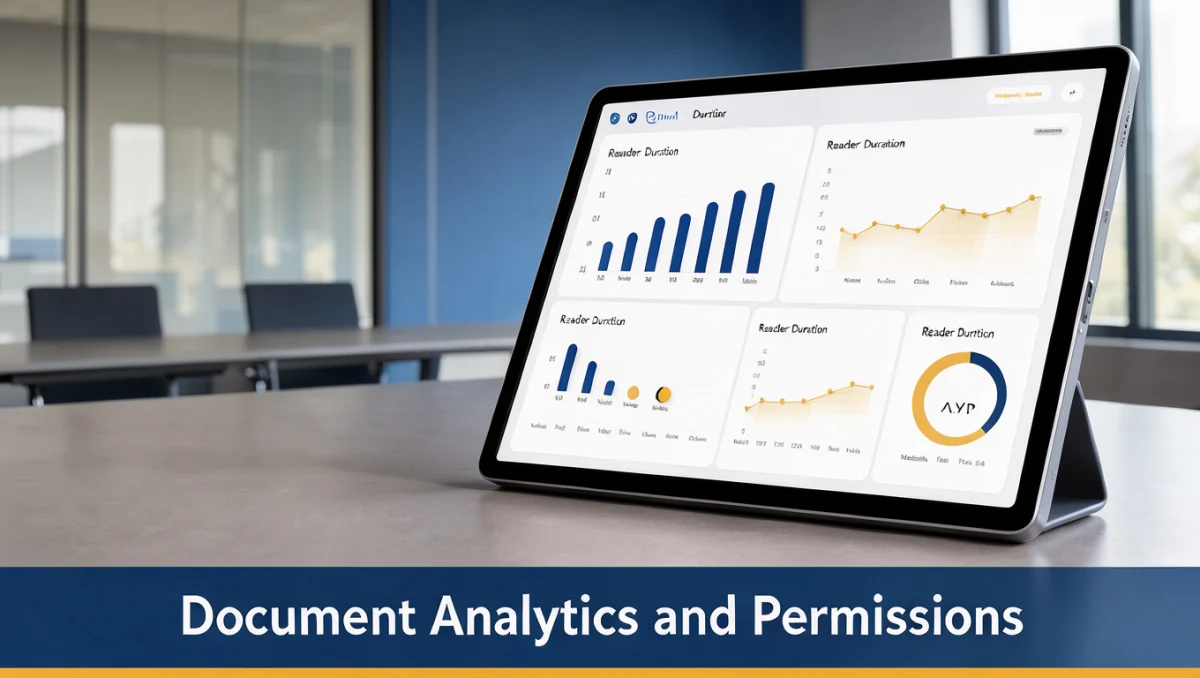
Document tracking platforms center on link generation, reader visibility, and post-send permission changes. Understanding these functional groups helps buyers decide whether the software matches their everyday distribution tasks.
Page-by-Page Document Analytics
The defining capability of link tracking systems is reader engagement measurement. Instead of confirming delivery alone, the software monitors how long viewers spend on individual pages of a presentation or document. Senders can see which sections draw attention and which pages readers skip entirely.
Access Controls and Link Permissions
Link management tools let senders set viewing requirements before recipients open content. Options include requiring an email address, adding a password gate, or setting automatic expiration dates on shared links. If an agreement changes or a conversation ends, administrators can deactivate access immediately without having to recall an email.
Virtual Data Rooms and Spaces
For complex transactions involving multiple files, the platform organizes materials into centralized viewing portals. Senders can bundle presentations, spreadsheets, and legal documents into a single link where stakeholders move through required documentation under monitored access rules.
Document E-Signatures
Document workflows often end in a formal approval or signature step. The software allows users to convert shared documents into signable files within the viewing interface, reducing the need to switch to a separate signing utility once negotiations conclude.
4. Ease of Use and Learning Curve
Adopting link tracking software requires little technical setup because users mainly upload documents and generate web links. Senders create a link, apply the desired security settings, and distribute the URL through their preferred channel. The dashboard organizes links by document and presents analytics in simple charts showing total visits and time spent per page.
For recipients, viewing happens directly in a web browser with no account creation or software installation needed. Readers can move through pages smoothly on common devices, provided their internet connection is stable. For internal teams, the learning curve centers on establishing consistent link naming conventions and teaching members how to read time-spent metrics accurately.
5. Pros and Cons of DocSend Dropbox
Weighing strengths against trade-offs helps software buyers balance practical benefits against the operational adjustments a subscription requires.
Pros
- Granular viewer visibility: Detailed slide and page metrics give clear context for sales follow-ups and investor discussions.
- Post-send link management: Senders can update underlying files or revoke reader access after links have gone out.
- Recipient convenience: External readers view materials in their browsers without downloading large attachments.
- Centralized document portals: Teams can group multiple project assets into unified spaces for structured client reviews.
Cons
- Specialized workflow footprint: Organizations that only need basic document storage must run this as an additional tool alongside their core storage drive.
- Recipient tracking sensitivity: Some external viewers may hesitate to enter their email address or review documents through monitored links.
- Format dependencies: Engagement metrics work best with fixed presentation and document layouts rather than unstructured file types.
6. DocSend Dropbox vs Similar Tools
The document sharing market includes several established categories, from general cloud repositories to specialized proposal automation systems. Comparing their positioning clarifies where this platform fits.
| Solution Type | Best For | Core Strength | Considerations |
|---|---|---|---|
| DocSend Dropbox | Pitch decks, sensitive sales collateral, and investor materials | Granular reading analytics and link-level access controls | Focused on link delivery rather than general system backup |
| Standard Cloud Storage Platforms | Broad organizational file storage and internal team collaboration | Broad file system syncing and collaborative document editing | Lack page-level reading duration metrics for external links |
| Dedicated Proposal Platforms | Formal sales contracting with dynamic pricing tables | Document template generation and quoting workflows | Involve structured quote creation rather than simple deck sharing |
Cloud Storage Systems
Broad storage platforms such as Box or Google Drive focus on team file synchronization, internal folder permissions, and document authoring. These services allow link creation but generally do not provide page-by-page duration metrics. Buyers turn to specialized tracking tools when external reading behavior informs commercial decisions.
Proposal and Document Automation Platforms
Tools such as PandaDoc or Proposify concentrate on proposal assembly, interactive pricing tables, and formal sales contracts. Organizations generating proposals from modular templates often prefer proposal software, while teams sharing finished decks choose link tracking for its direct upload workflow.
7. Who Should Use DocSend Dropbox?

Evaluating team structure and distribution habits helps pinpoint whether an analytics-oriented document tool delivers real operational value.
Founders and Capital-Raising Teams
Fundraising means sharing confidential company plans with external contacts over several weeks. The platform shows founders whether prospective partners have reviewed their materials, which sections drew the most attention, and whether links were forwarded to additional readers.
Business Development Representatives
Sales representatives working long deal cycles benefit from automatic notifications when prospects open proposal links. Seeing that a prospect spent significant time on a project scope page enables timely outreach that matches the buyer's interest.
Legal and Advisory Consultancies
Advisory firms sharing research or deal summaries need clear access controls. Link expiration and instant revocation let consultants retain control over intellectual property after client engagements end.
Teams That Should Consider Simpler Alternatives
Small offices, solo operators, and internal service teams sharing routine spreadsheets or marketing images do not need reading analytics. For these workflows, standard shared folders on a general cloud drive handle distribution without adding software management overhead.
8. How to Choose the Right Plan
Subscription models for link tracking tools generally scale with team seats, administrative oversight, and advanced portal controls. Buyers should review the following on the official vendor website before committing budget.
| What to Check | Why it Matters |
|---|---|
| User seat requirements | Subscription tiers often price per user, which affects total monthly cost as team size grows. |
| Data room and portal availability | Multi-file sharing spaces may be limited to specific plan tiers, influencing how complex deals are managed. |
| Access restriction options | Controls such as viewer verification or link whitelisting vary by subscription level. |
| E-signature allowances | Signing allowances can be capped or structured differently across plan tiers. |
| Administrative management tools | Team permissions and centralized link ownership become critical as multiple members share files. |
9. Frequently Asked Questions
How does document link tracking differ from traditional email attachments?
An email attachment sends a static copy of a file straight to the recipient's inbox, leaving the sender with no information about whether it was opened or forwarded. Link tracking hosts the document online, so senders can measure reading time per page, update content after sending, and disable access when needed.
What should buyers evaluate when budgeting for document analytics software?
Buyers should count how many team members actually send files to external clients, since subscription tiers generally charge per active seat. They should also confirm whether features such as multi-document data rooms or e-signatures are included in the base plan or restricted to higher tiers on the official pricing page.
How can teams ensure smooth recipient experiences with tracked links?
Teams should explain in their cover message that the link opens an online viewer, so no download is needed. Choosing appropriate access settings, such as avoiding unnecessary passcode gates on introductory materials, also reduces friction for external partners.
When should an organization upgrade from basic cloud drive links to dedicated tracking tools?
An organization benefits from upgrading when sales follow-ups, fundraising pitches, or confidential client disclosures depend on knowing when and how recipients engage. If learning that a partner reviewed a specific proposal page changes the next business step, dedicated tracking software provides value that general shared drive links cannot match.
10. Final Verdict on DocSend Dropbox
DocSend Dropbox remains a purpose-built option for teams that treat document distribution as an active communication and negotiation process rather than a passive file transfer. Its strength lies in turning static presentations into trackable assets with actionable engagement data and post-send permission controls.
| Criterion | Score /10 | Reason |
|---|---|---|
| Features | 8.5/10 | Strong page-level analytics and link controls |
| Ease of Use | 8.5/10 | Simple link creation and clear dashboard |
| Pricing and Value | 7.0/10 | Per-seat costs add up for larger teams |
| Integrations | 7.5/10 | Works best within its own workflow |
| Audience Fit | 8.5/10 | Ideal for deal-driven sales and fundraising teams |
| Support | 7.0/10 | Adequate guidance for standard use cases |
| Competitive Position | 8.0/10 | Distinct focus on reader engagement |
Overall score: 7.9/10
For sales executives, founders, and consultants whose deals depend on timely responses, this docsend dropbox solution delivers reliable visibility into recipient reading habits. Organizations with simple file backup needs should stay with standard cloud storage drives, while deal-driven teams should verify tier limits and user seat pricing on the official website before purchasing.
Have questions about selecting document collaboration software for your organization? Reach out through our Collaboration & Productivity coverage or visit Tested Truth for ongoing software reviews and buyer guides.